Long-term storage

Galleries are made for active client sharing — you upload, they pick, they download. Long-term storage is for archival protection: your portfolio, project archive, backup copies.
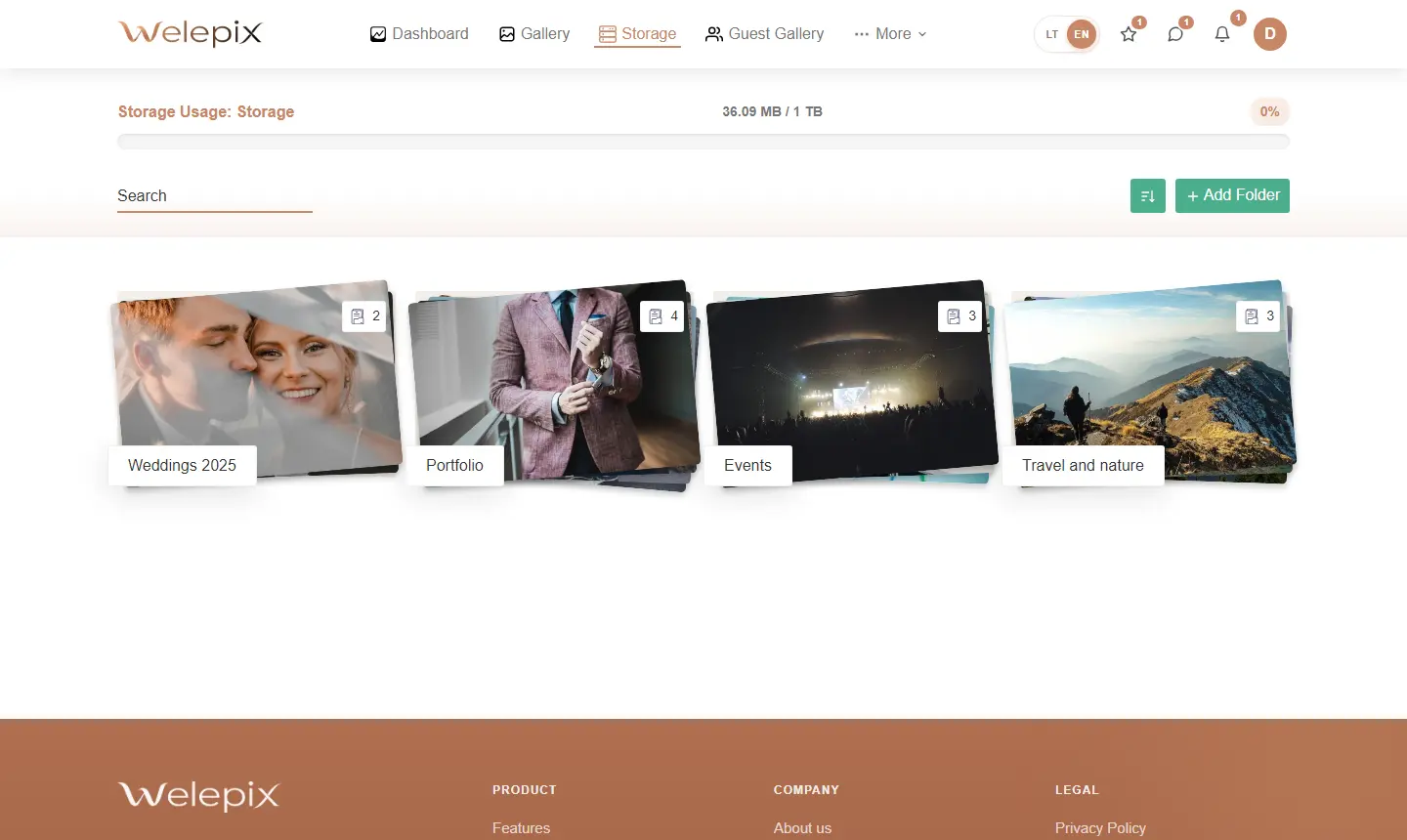
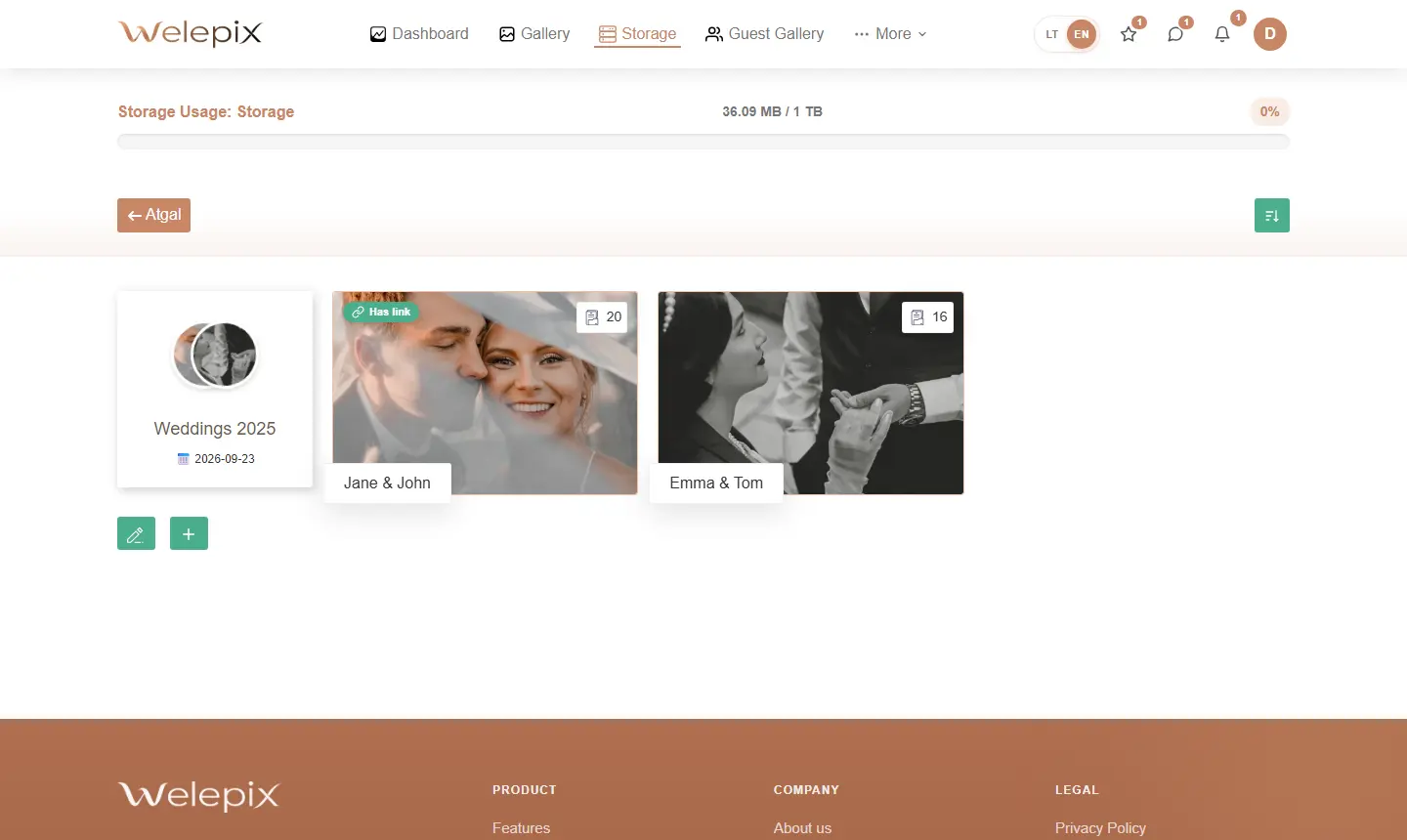
How is it different from galleries?
- Gallery — temporary, optimised for client sharing, cheaper storage, downloads via share links
- Long-term storage — archival, more expensive but safer long-term, better geo-redundancy, unlimited private retention
Hierarchical structure
Storage → Top folder → Sub-folder → Photo. You can build any depth — e.g. „2026 / Weddings / Žemaičiai couple / RAW".
Uploading files
Upload happens via secure upload links straight into storage. Works for RAW files and large video files alike (no per-file size limit).
Archiving from a gallery
When a client project is done — the whole gallery or individual folders can be moved into storage. The feature requires both plans active (gallery + storage). Full breakdown on a dedicated page: Archiving into storage.
Sharing from storage
Need to show an older project? From any storage folder, you create a share page the same way as from an active gallery.
Stats & usage tracking
See how much space each folder uses, file counts, and how your stored content grows over time. Helps plan plan upgrades.
What's next?
Storage limits depend on your plan. You can run several plans in parallel (galleries + storage).
