Archiving into storage
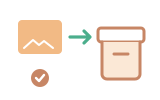
When a client project is wrapped — move the whole gallery (or single folders) into long-term storage. This frees up your gallery plan and keeps the photos safe for the long haul.
Requirement
For this to work, you need both subscription plans active:
- Gallery plan — where the client work is currently being viewed
- Storage plan — where the archive will live
Plans are listed at /pricing. Without one of them, the archive button won't appear.
Two ways to archive
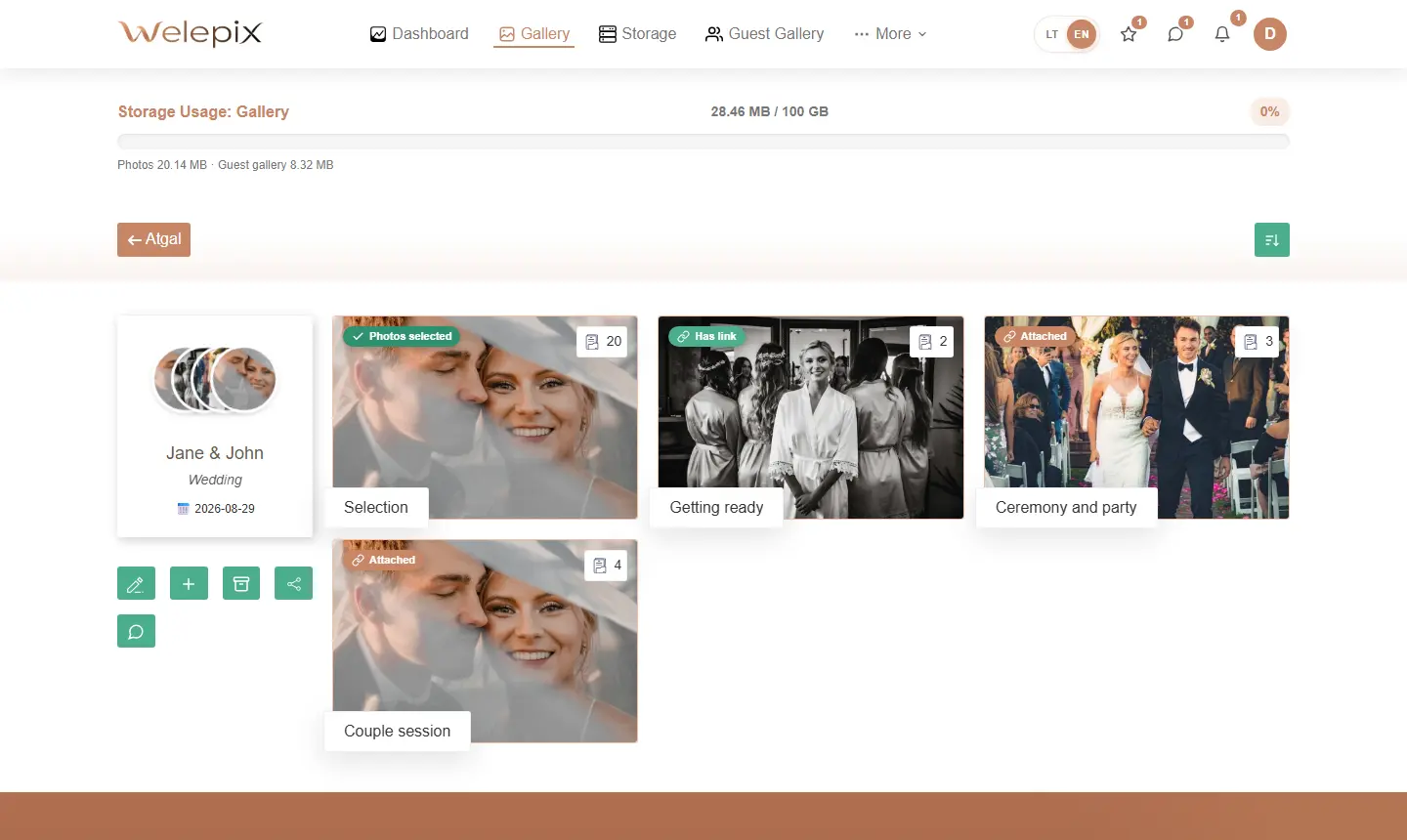
- Whole client — all the client's folders and photos move across. After archiving, the client disappears from your active gallery list.
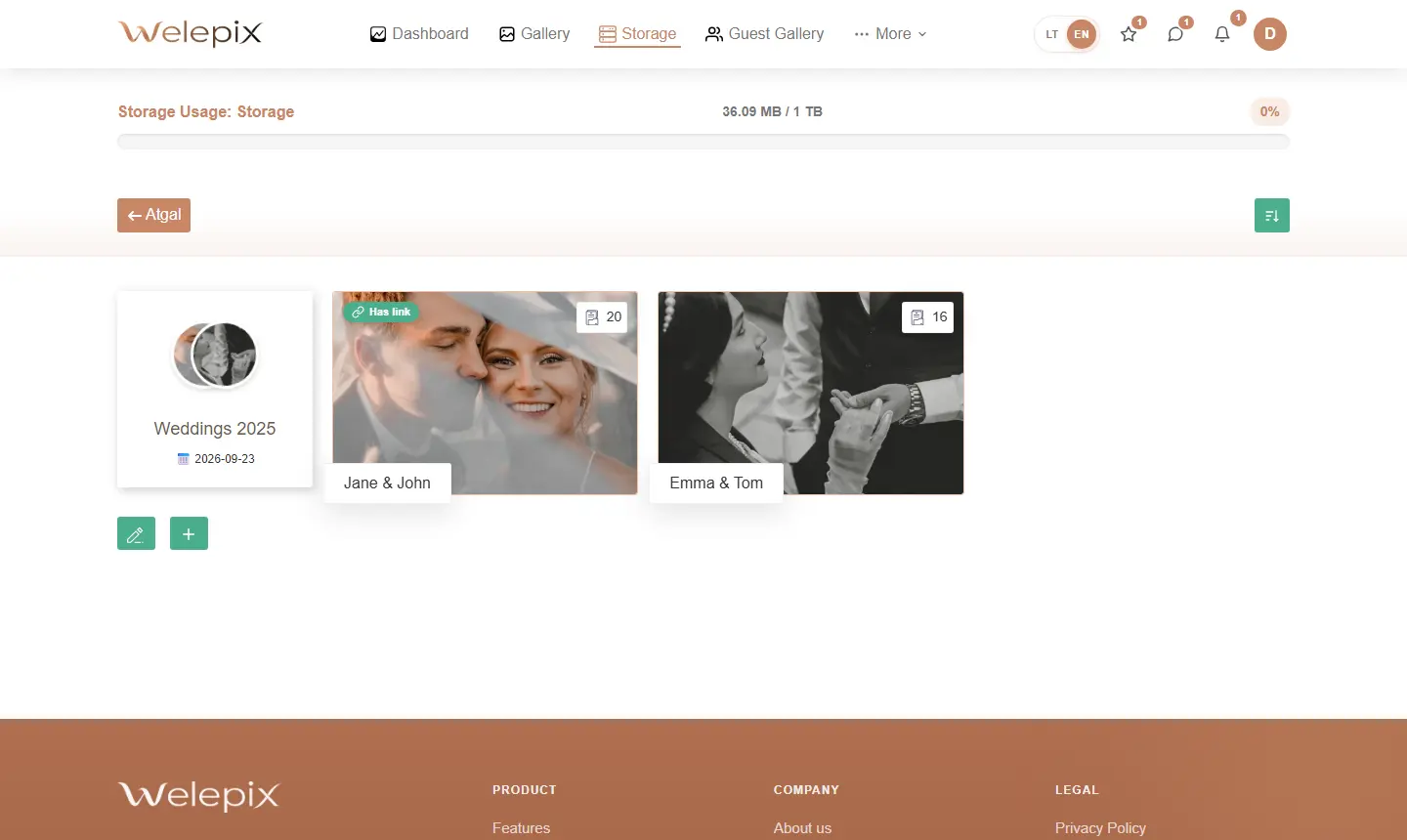
- Single folder — only one folder moves. You pick which storage to drop it into — into an existing sub-folder or by creating a new one.
Capacity check upfront
The system checks in advance whether your storage plan has enough free space. If not — you get a message recommending a plan upgrade, and the archive doesn't start. You'll never end up half-way through with no space left.
File by file, with real-time progress
Archiving happens in your browser — one file at a time. A modal shows the progress: „Transferring 87 / 245" with a percentage bar. Don't close the tab until the modal reports done (otherwise you'll lose progress).
What gets moved
Along with the photos, all the related metadata travels too:
- Original file names (as the camera produced them)
- File size, dimensions (width × height), type
- Client and folder titles, subtitles, dates, status
- Folder and file ordering
- Folder and client cover images
After archiving
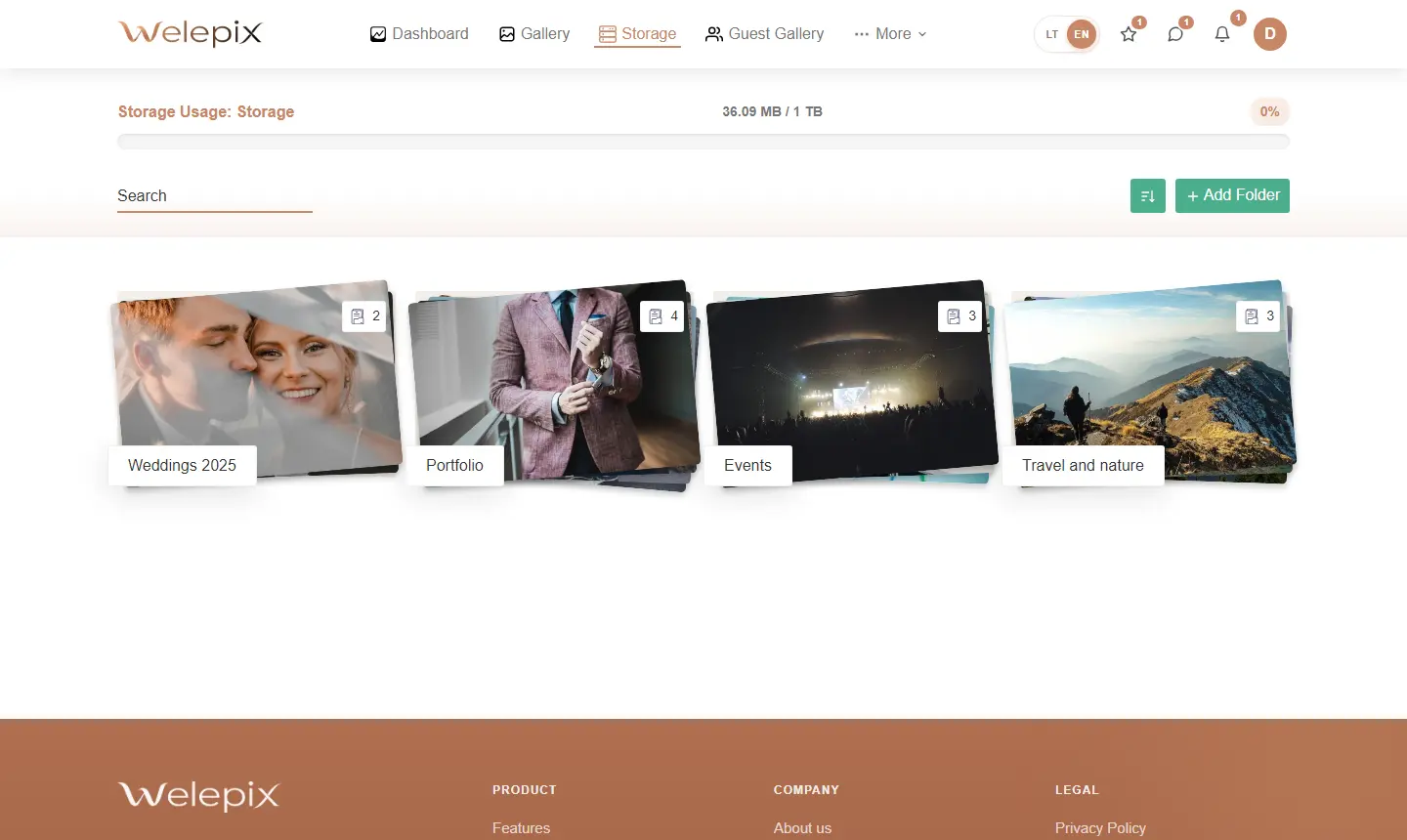
On the gallery side, the folder (or whole client) is deleted — your active galleries list gets cleaner and your plan space frees up. Archived files are reachable from the Storage section.
From there you can later:
- Browse an old project
- Create a fresh share page for the client (e.g. a year later when they ask for more)
- Download single files or everything as a ZIP
No way back
Archived files don't get automatically restored to galleries — storage is meant for long-term retention, not active work. If you need to work with those photos again actively, create a new gallery and re-upload.
Related
Where the archive lives — see Long-term storage. How to share archived photos later — Share pages.
