Settings & branding

Make Welepix yours — logo, contact details, notifications and bank details for client payments. All settings live at /settings.
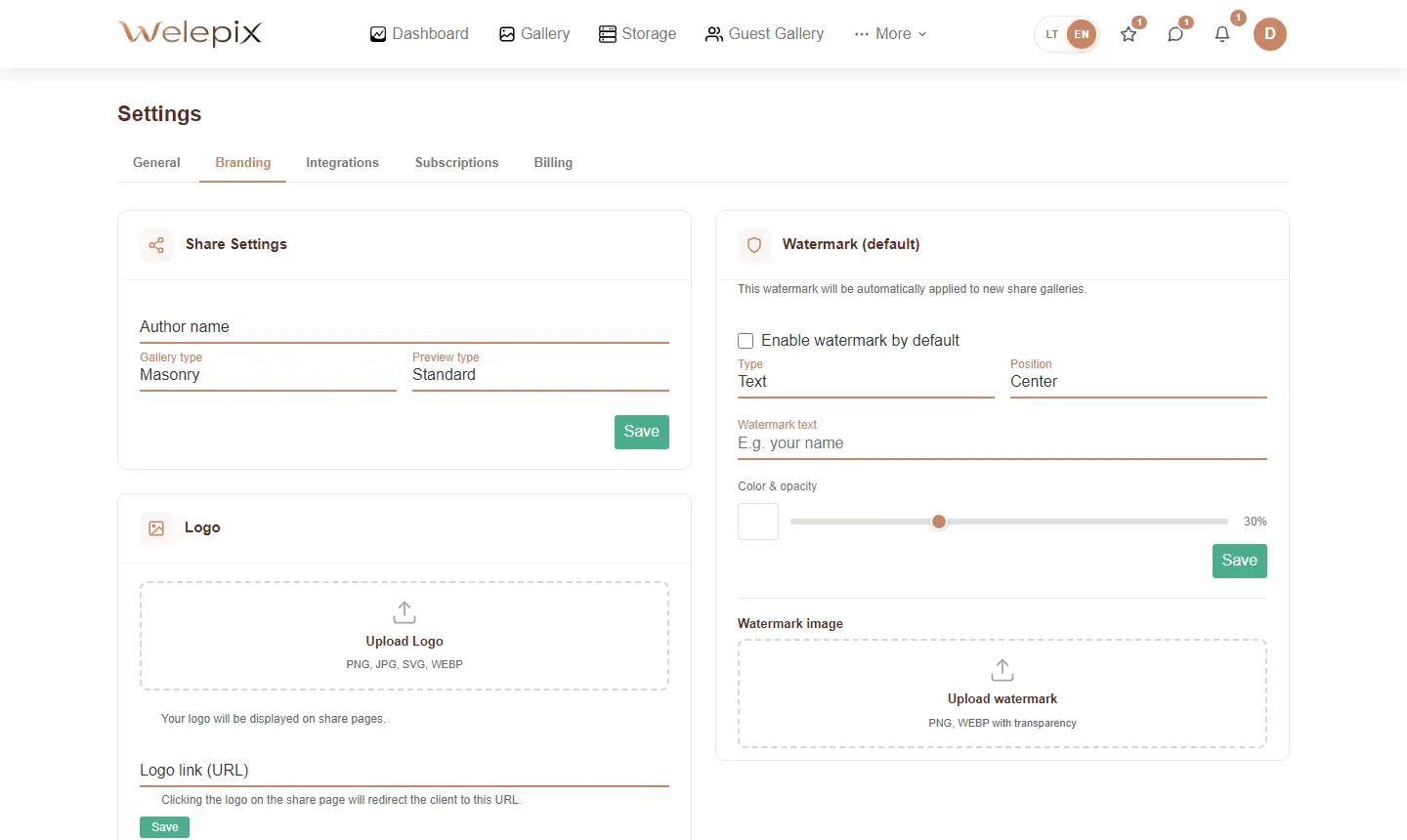
Custom logo
Upload your logo — PNG, JPG, SVG or WEBP, up to 10 MB. The logo is automatically resized to 800×800 (quality 85), SVG is kept as vector.
- Logo link — clicking the logo on a share page sends the client to your website
- Logo height — adjustable from 20 to 200 pixels (handy for square logos that need to be larger)
- „White filter" toggle — turns the logo white (CSS filter), useful on dark covers
Bank details for payments
If a share page has „Pick N + extras" enabled and you want the client to see your bank details for payment — enter them here. Stored with bank-grade encryption, decrypted server-side only before showing to the client.
- Bank name
- IBAN
- Full name (recipient)
Push notifications
Welepix sends push notifications via two channels at once:
- Web push — browser notifications
- Native push — for the Welepix mobile app (iOS / Android)
Pick which triggers you want — e.g. client submitted their selection, or your subscription is about to expire.
Personal details
Name, email, password, business details for invoices — all editable in settings.
Related
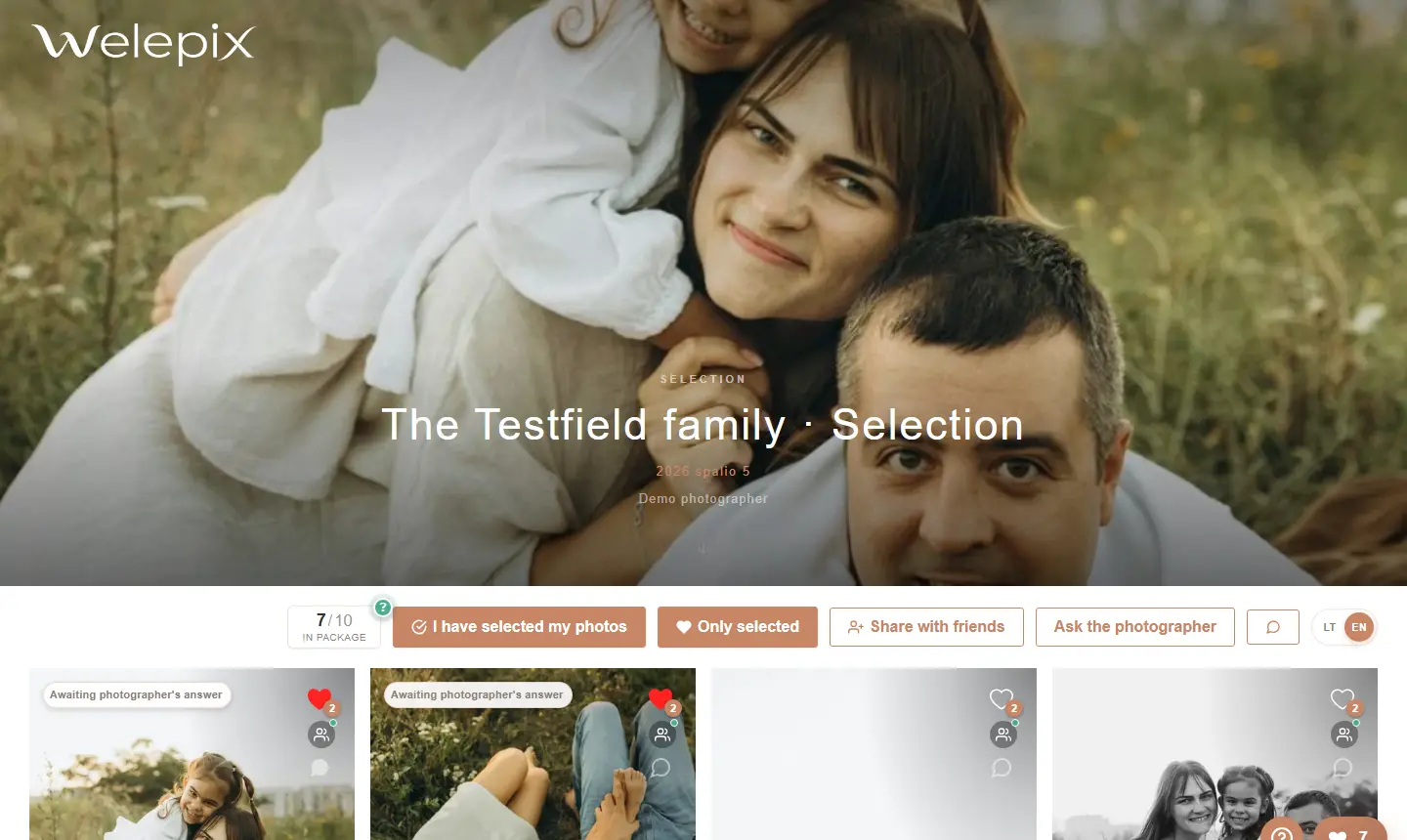
How do these settings show up on a share page? See Share pages and The client view.
