Galleries

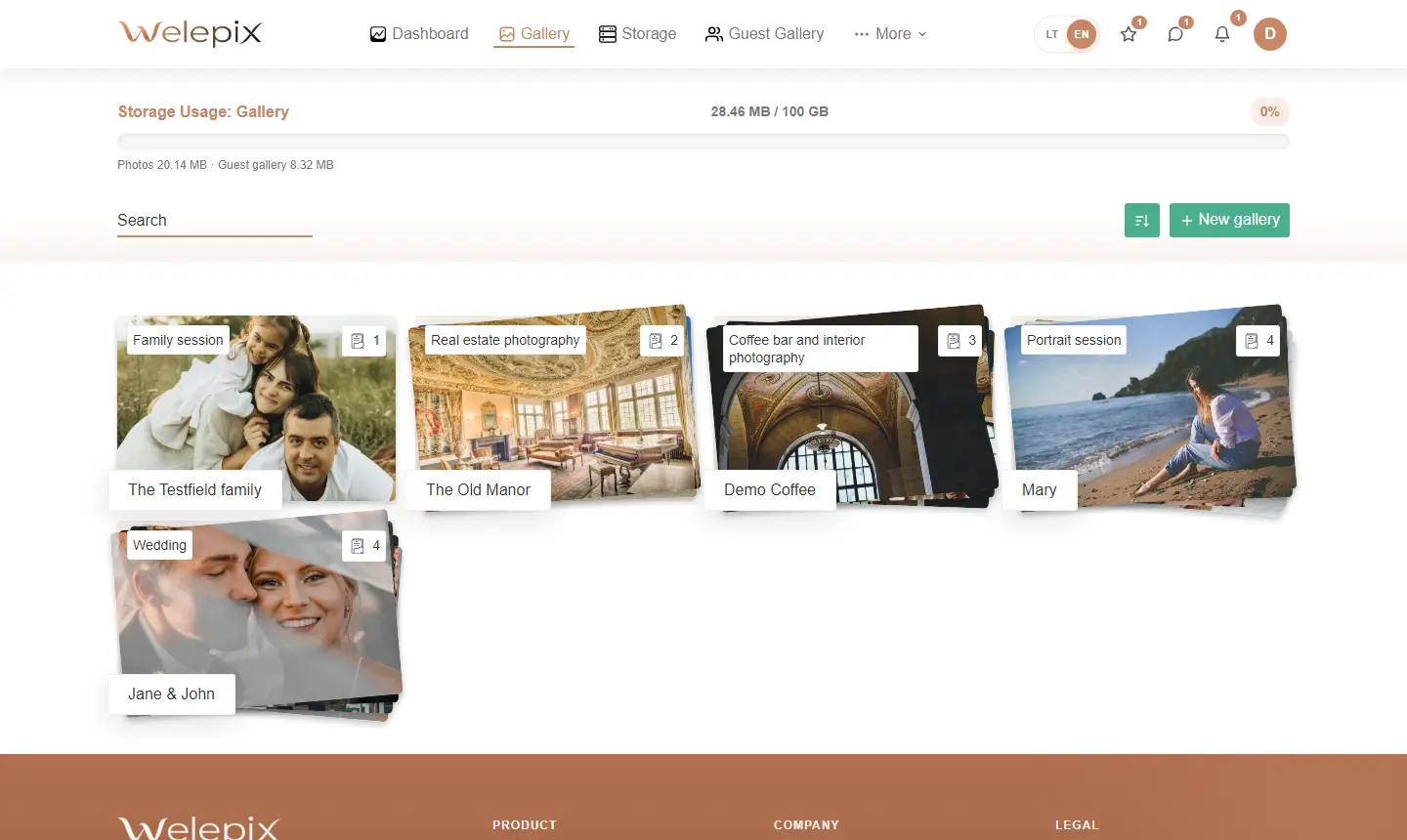
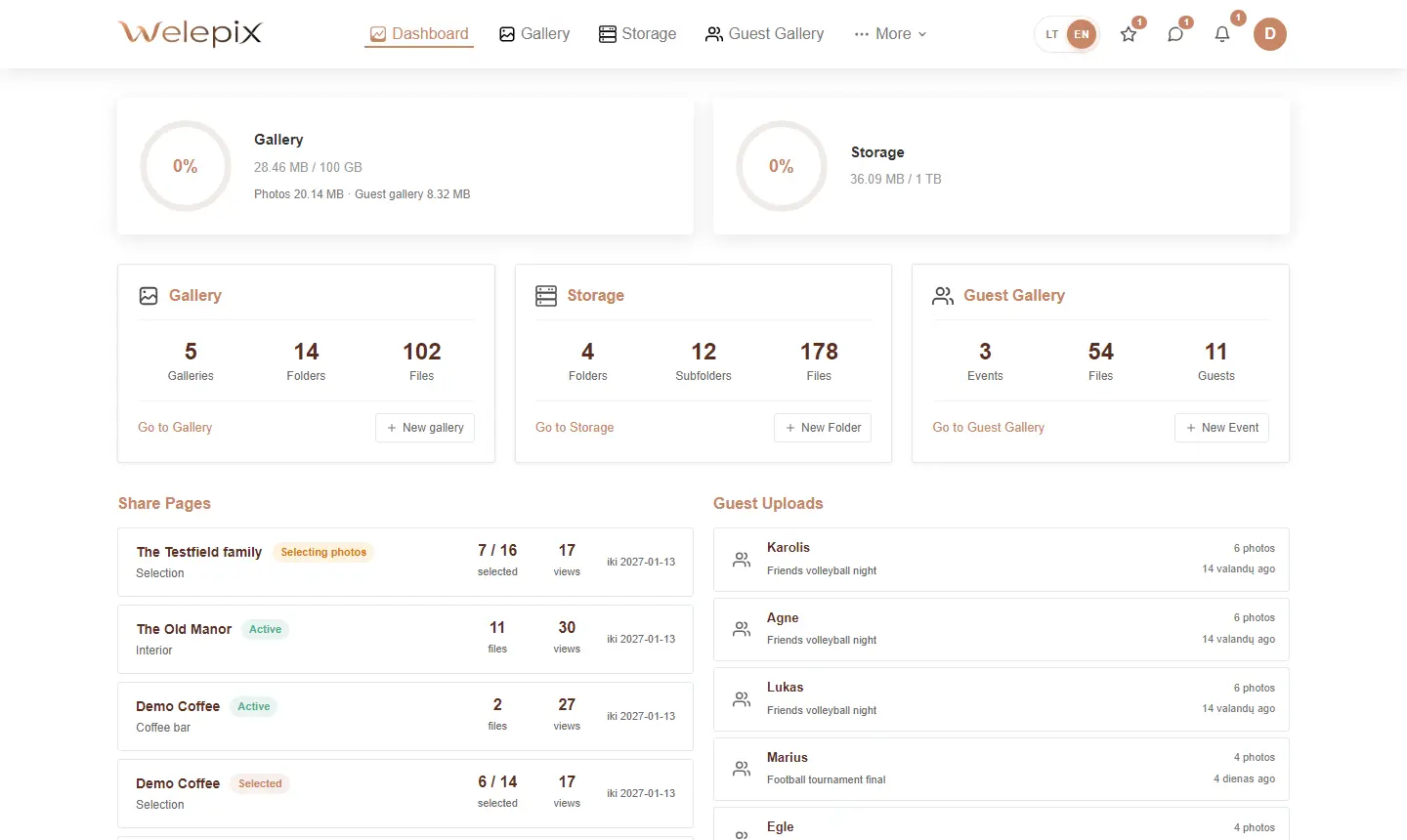
Welepix lets you cleanly organise photos for every client or event — with unique codes, dates, nested folders and fast browser-based uploads.
Creating a new client
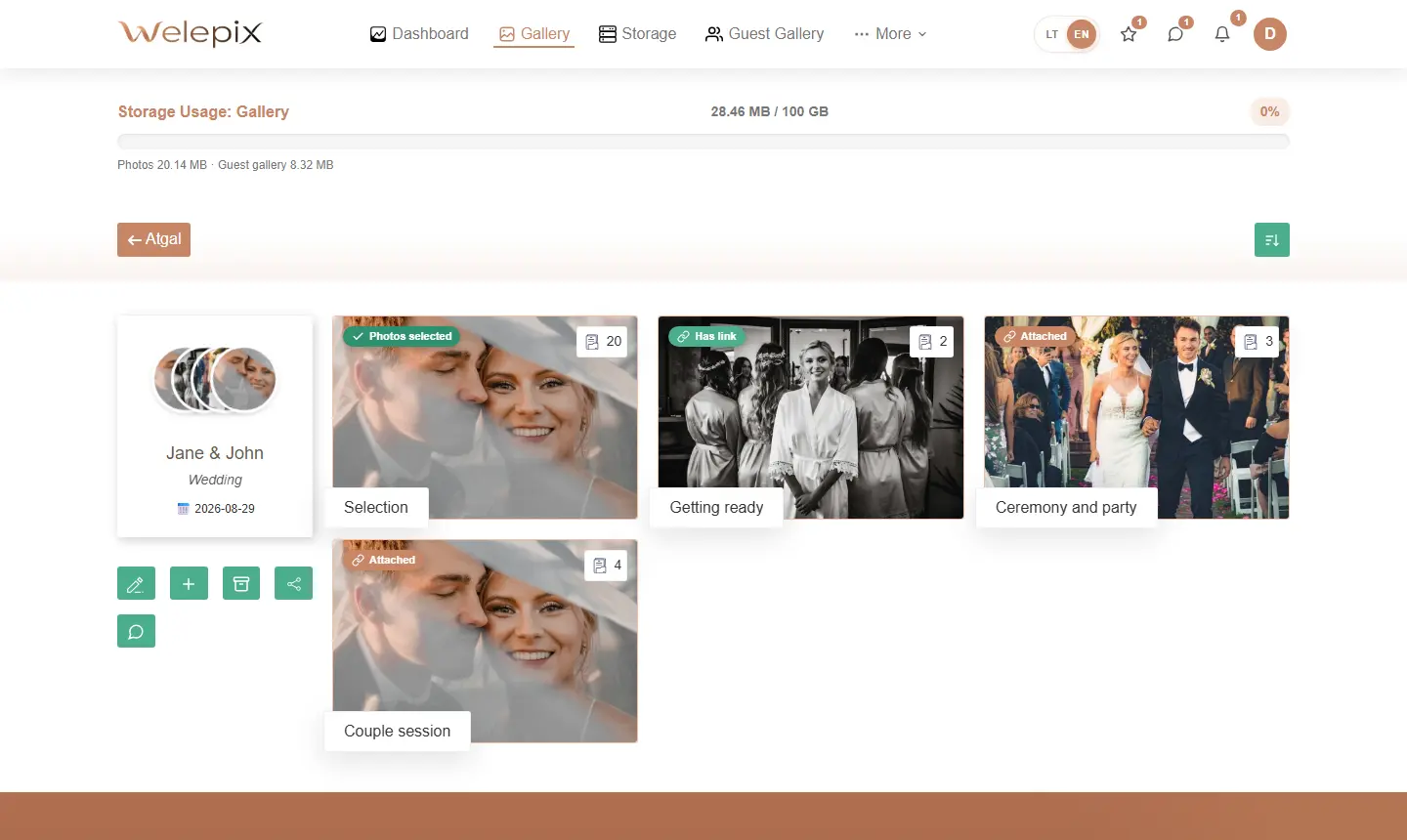
Each project starts with a client profile: name, event date and an auto-generated unique code that's used later for sharing and quick lookup.
Uploading photos
Upload directly from your browser — drag & drop or pick from disk. We support:
- Standard formats — JPG, PNG, WEBP, AVIF, HEIC, HEIF
- RAW files (CR2, CR3, NEF, ARW, ORF, RAF, DNG and more) go to long-term Storage, they cannot be uploaded to Gallery
- Video files — MP4, MOV, WEBM
Files upload straight to cloud storage via secure upload links — they never pass through Welepix servers. Thumbnails are generated automatically.
Folder organisation
Each gallery can have unlimited folders and sub-folders — e.g. „Ceremony", „Reception", „First dance". Folders and photos are reordered with drag & drop in seconds.
Status & workflow
Every gallery and folder has a status — active, archived, in selection. Helpful when juggling several clients in parallel.
What's next?
Once the gallery is ready, the next step is to create a share link to send to your client. Or see how it looks from their side.
