Share pages

Share pages are ready-made public views of your gallery, sent to clients via a single link. Fully customisable — watermark, layouts, selection limits, bank details for paid extras.
Creating from a gallery
From any client gallery, generate an encrypted UUID link in a few clicks. Each link has its own settings — you can create several different links for the same gallery (e.g. „preview" and „download").
Gallery layouts
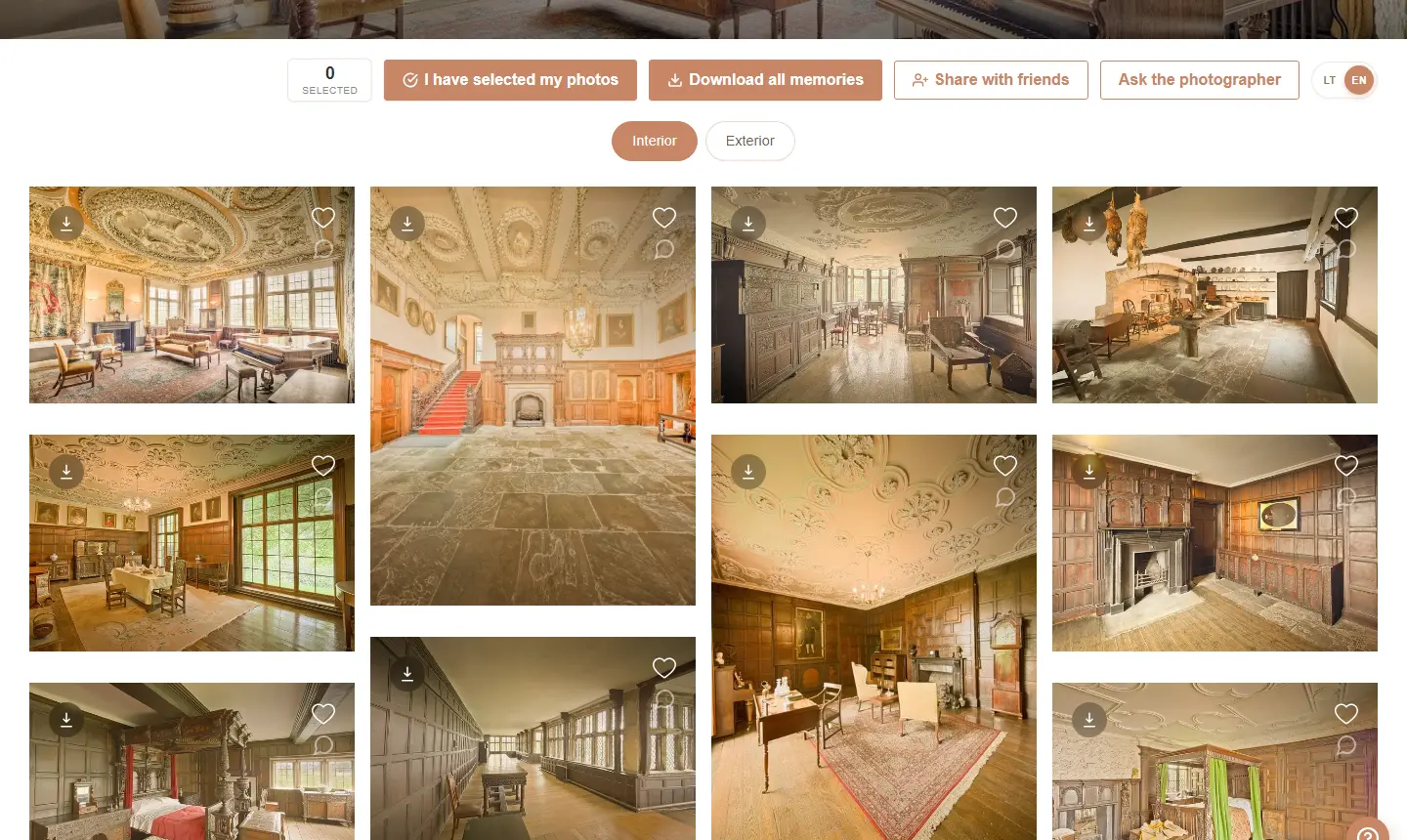
The gallery is shown to the client in one of three layouts:
- Grid — uniform square tiles
- Masonry — Pinterest-style, varying heights
- Mosaic — fully justified layout preserving aspect ratios
Watermark
Protect your work with a watermark — text or image. Adjustable position, opacity, rotation, font size and colour. The watermark is applied only on preview images, originals stay untouched.
Password protection
For extra privacy — set a password. The client has to enter it before seeing the gallery.
„Pick N" selection limit + paid extras
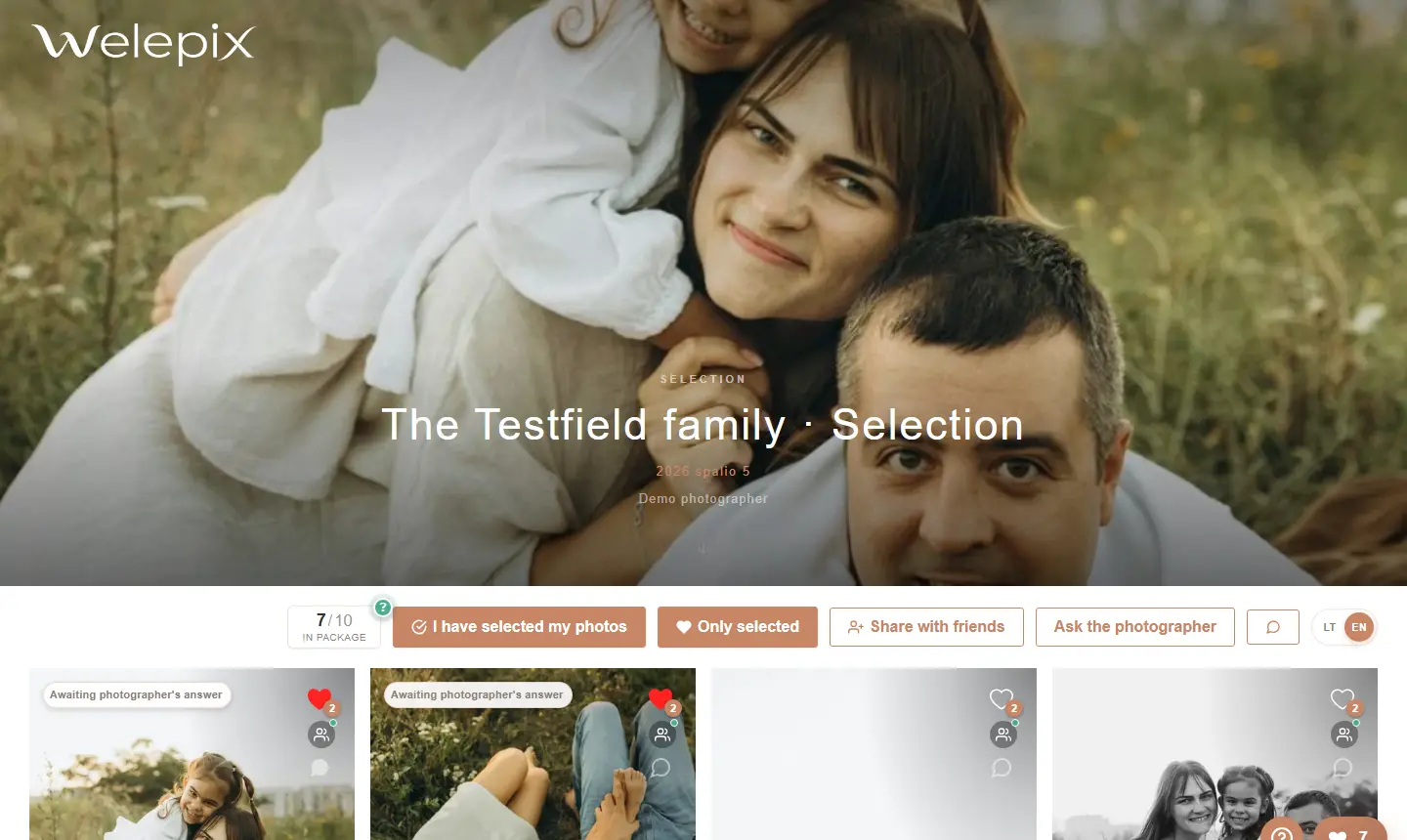
If you sell packages „client picks N photos" — set the limit in the form. The client sees a live counter „Selected: 12 / 50". Once the limit is hit, additional picks are blocked, or allowed for a configured € price.
- Selection limit (e.g. 50 picks)
- Allow extras toggle
- Price per extra (e.g. €7.50 per photo)
- Bank details — IBAN and full name shown automatically when the client picks beyond the limit
Selection & download
Toggle which actions the client can take — leave likes, download single files or the whole pack as a ZIP. You can create a view-only gallery with no download at all.
Group selection (friends voting)
Is your client struggling to decide alone? Turn on group selection — the client shares a separate link with family or friends, and each friend can vote for their favourite photos without any account.
- Separate friends link — generated in one click, independent of the client's own selection
- Per-friend vote limit — a shared cap for everyone or an individual one per participant
- Vote summary — see which photo the most people picked; vote counts can be shown to or hidden from participants
- Notifications — optionally get notified when a friend submits their votes
The full per-participant breakdown lives in Selected photos and Statistics.
ZIP download
When downloads are enabled, the client can grab the whole gallery as a single ZIP archive instead of file by file. Works for both gallery and long-term storage photos.
- One click — every photo packed into one archive at original size
- Large sets — very large galleries are automatically split into several parts
- Page stays put — the download runs in the background; the client sees a „Preparing ZIP…" notice and can keep browsing
Multiple folders in one link
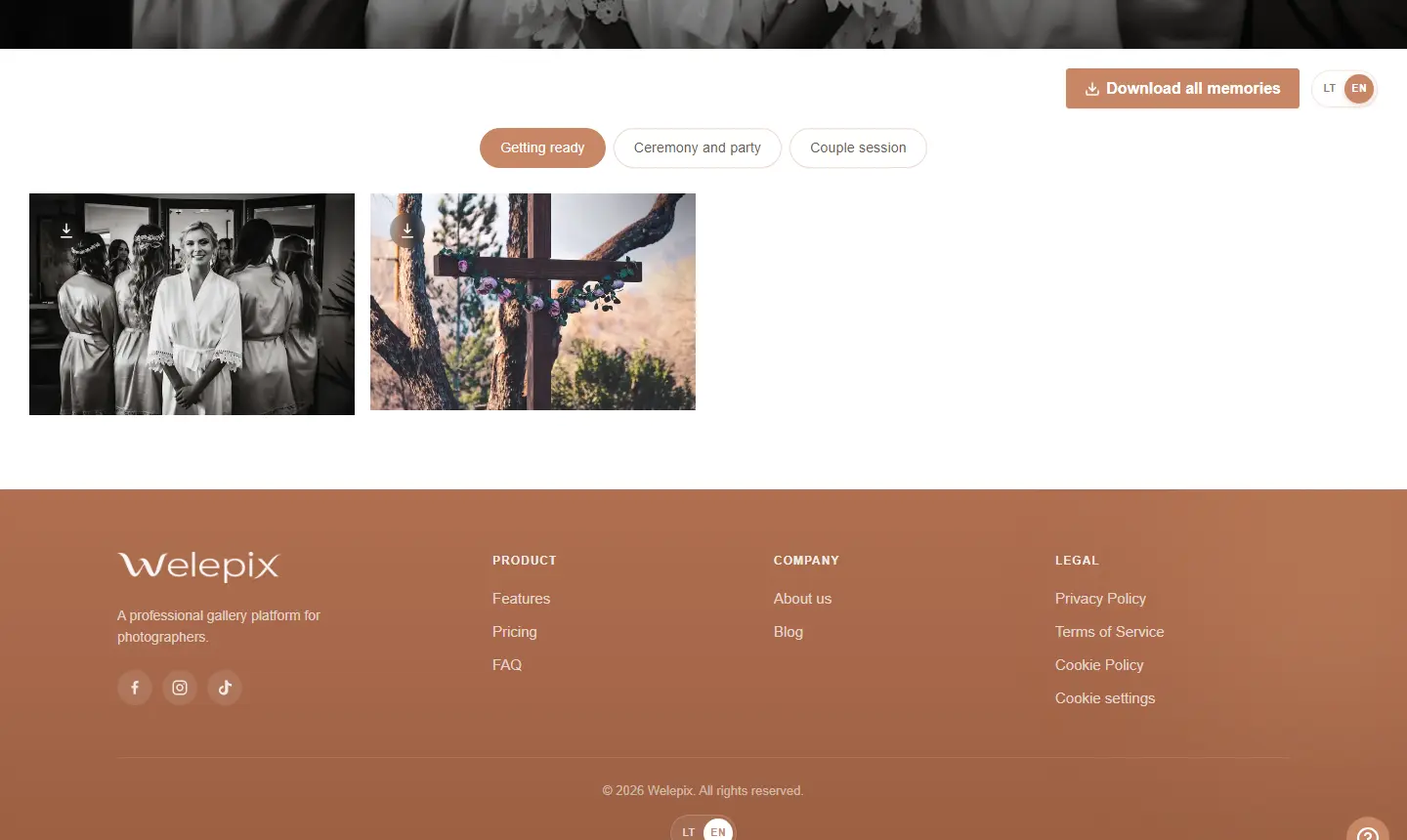
You can attach several folders to a single share link — your client sees them as tabs inside the same link and switches between them with no reloads (with many folders the tabs turn into a tidy list).
The key part: selection, the selection limit and downloads all work across every folder at once. Your client picks favourites from all folders into one selection, and “download all” gathers files from every tab. Available for both galleries and long-term storage.
You add extra folders when creating or editing a share link — just mark which folders should be reachable through the same link.
Note for your client
Every share link can carry a short message to your client — the selection deadline, how many photos to pick, where to reach you. They see it right after the quick tour of the gallery page.
- Shown once — once read and closed it stays out of the way; a button in the corner of the gallery brings it back any time
- Edited notes reappear — update the note and your client sees the new version, even if they already dismissed the old one
- Templates — save the wording you use most and drop it into the next gallery with one click
- Works in the friends link too — the people your client invited to help choose see the same note
The note stays inside the gallery — it never shows up in the link preview when the URL is forwarded in a chat app.
Screenshot protection
Tick “Open only in the Welepix app (Android, Windows)” and your client can open the link only in the Welepix app on an Android phone or in Welepix Client on a Windows computer. Screenshots and screen recording don't work there. In a browser, screenshot attempts are only detected and shown in your statistics. More on the Screenshot protection page.
What's next?
See how the gallery looks to your client. Or go back to gallery management.
