Selected photos workflow
When the client picks their favourites — you get a push notification and the „Selected photos" page shows everything they chose. From here you can extract just those RAW files, export the name list and start editing.
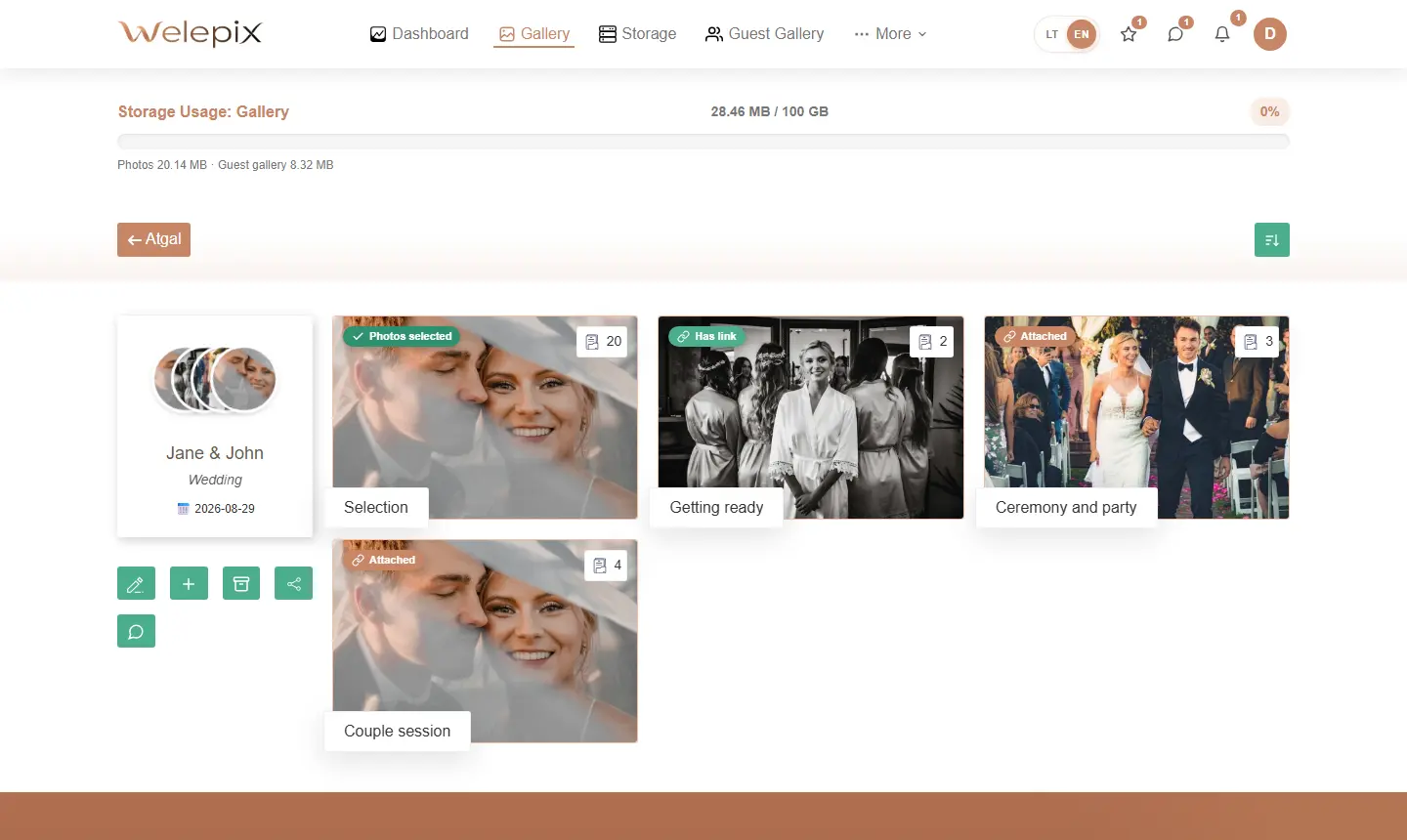
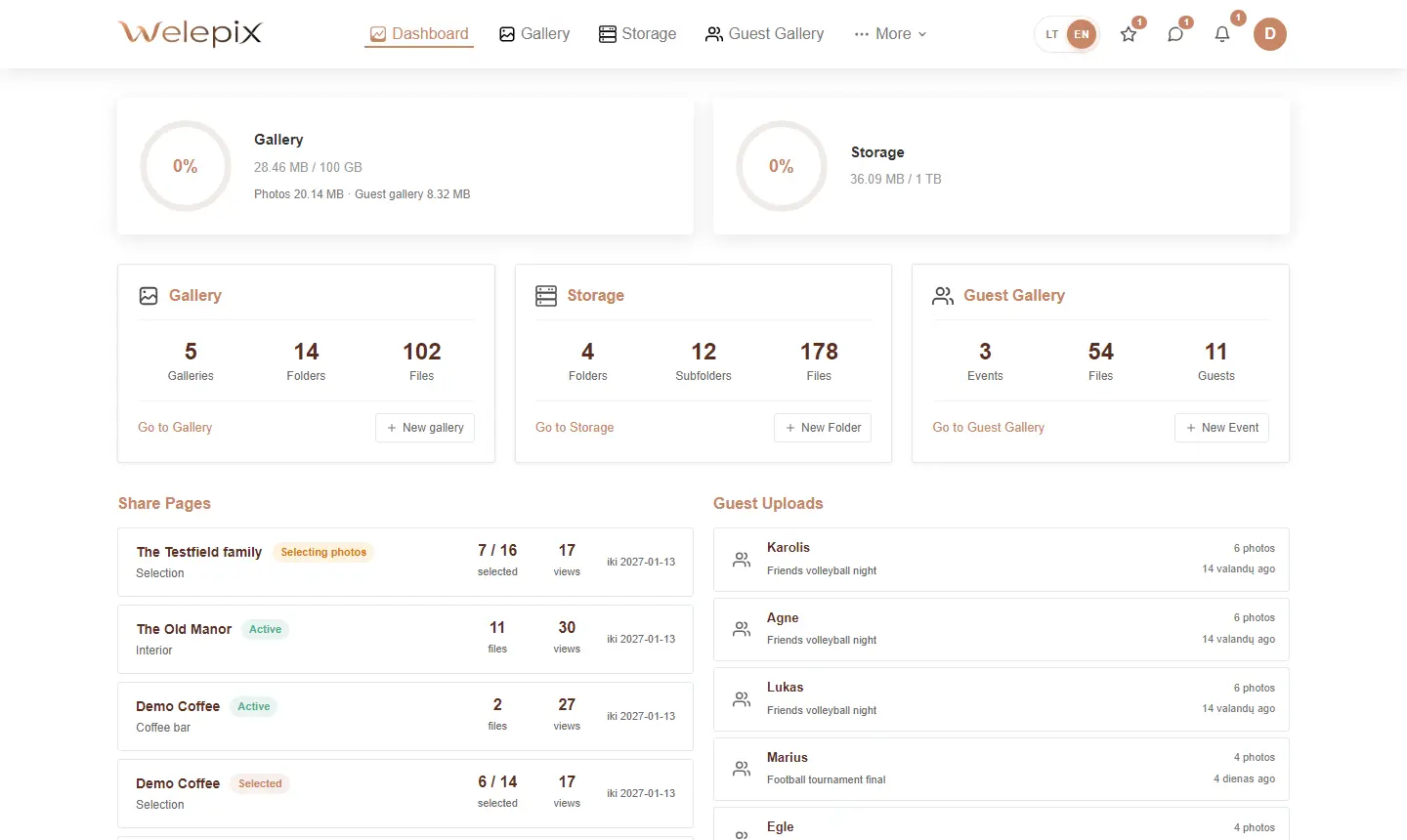
Notification when client submits
The moment the client hits „Submit" — Welepix notifies you instantly:
- Web push to your browser
- Native push to the Welepix mobile app
- Email notification (if enabled in settings)
Tapping the notification takes you straight to that client's selected-photos page.
Browsing the selection
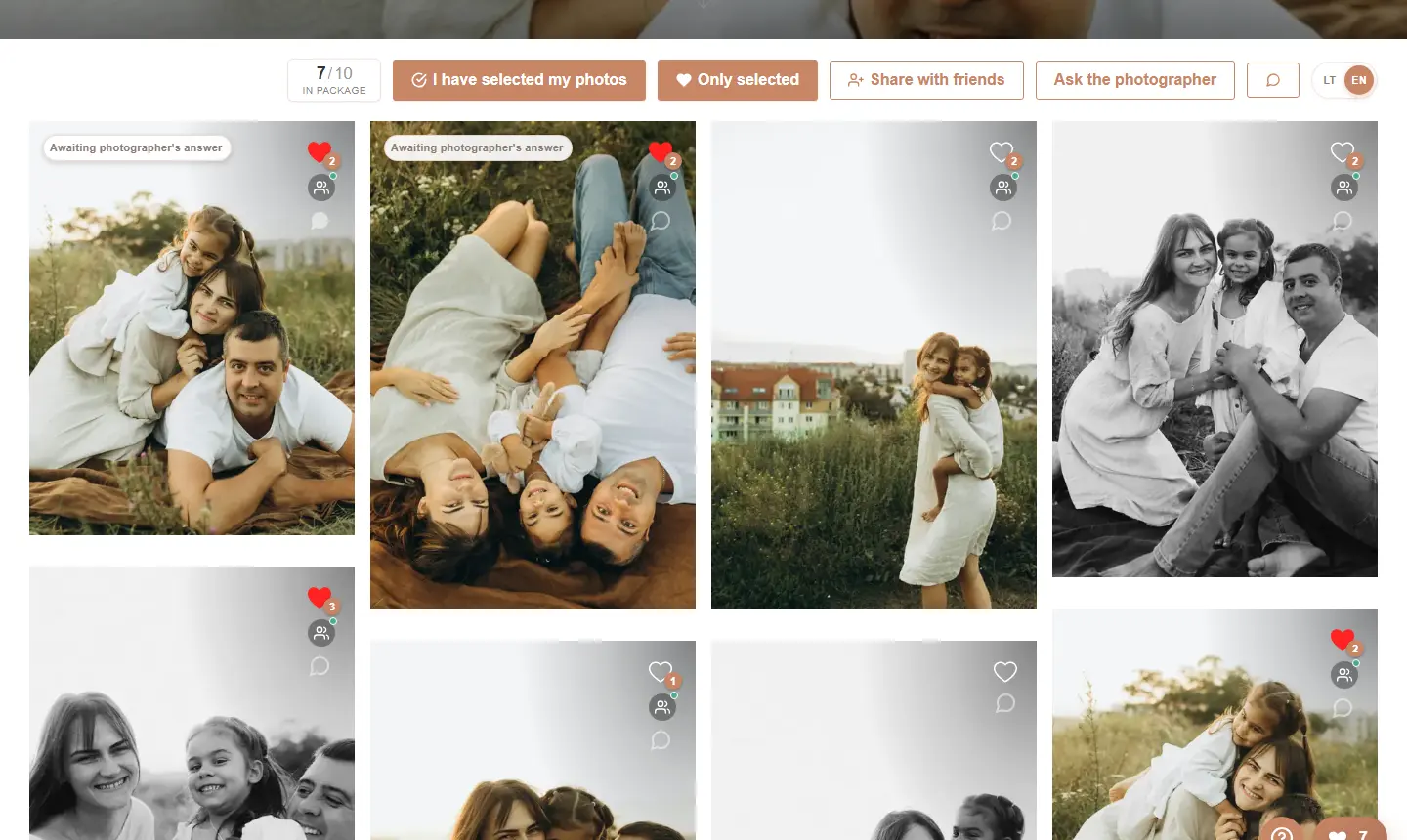
You see only photos the client liked ❤️. Full-size preview just like in the standard gallery — but filtered down.
Client message & per-photo comments
If the client left a message when submitting — it shows up immediately with a chat bubble. On top of that, the client could leave a comment on individual photos („I'd love a black-and-white version of this one", „dial back the contrast a bit") — you see them all next to the matching frames.
RAW file matching — „Pick my files"
The headline feature for photographers: you have ALL your session RAWs on your machine, but the client picked just 50 of 800. How do you pull out exactly those 50?
- Click „Pick my files"
- Drag & drop all your local RAW (CR2, CR3, NEF, ARW, ORF, RAF, DNG) or JPG files into the modal
- The system matches their names against the photos the client picked
- Only the matching files get flagged — the rest are ignored
- You can then download them or copy them into your editing folder
„Match by original name" toggle
If your RAW files keep original camera names (e.g. IMG_4521.CR3) but the JPGs you delivered to the client were renamed via a template — enable the „match by original name" toggle. The system will then compare against the original names that we record at upload time.
Exporting the name list
The „Show name list" button opens a window with all the selected photo names. Copy it to clipboard and use in Lightroom filters, Photo Mechanic collections, or whatever fits your workflow.
Bulk download
Just need all the picks downloaded? „Download files" generates a ZIP of every selected photo in one click.
Video and photos handled separately
If a folder mixes photos and video — selections are shown separately (we detect media type). For videos the „Pick my files" matching isn't available (matching video by name doesn't really make sense), but name list and bulk download work.
Group selection — friends' votes
If the client invited friends to vote, you see the combined result here: how many people picked each photo and how every participant voted individually. Handy when a whole family or couple decides together.
Client questions
If the client asked a question during selection („which of these should I pick?"), it lands in the „Questions" inbox. You reply in one place, and the client immediately sees your advice next to the same photos.
Related
How does the client pick? See The client view. Want to let the client buy beyond the selection limit? See „Pick N + extras" in Share pages.
