Most photographers only start thinking about where to store photos after a drive dies. Until then the archive is scattered across three external drives in a drawer and a laptop desktop. This guide covers how to set up a photo archive that survives a failed drive: how much space you really need, how the 3-2-1 backup rule works for photographers, external drives versus cloud storage, and how long to keep RAW files.
How much space you actually need
Start with the numbers, because they tend to surprise people. A RAW file from a 24 MP camera is around 25 to 30 MB; from a 45 MP camera it is 50 to 60 MB. So:
- a wedding of 2,500 frames at 30 MB is about 75 GB of RAW, plus 6 to 8 GB of final JPEGs;
- a family session of 400 frames is about 12 GB;
- a season of 25 weddings and 40 family sessions comes to roughly 2.5 TB a year.
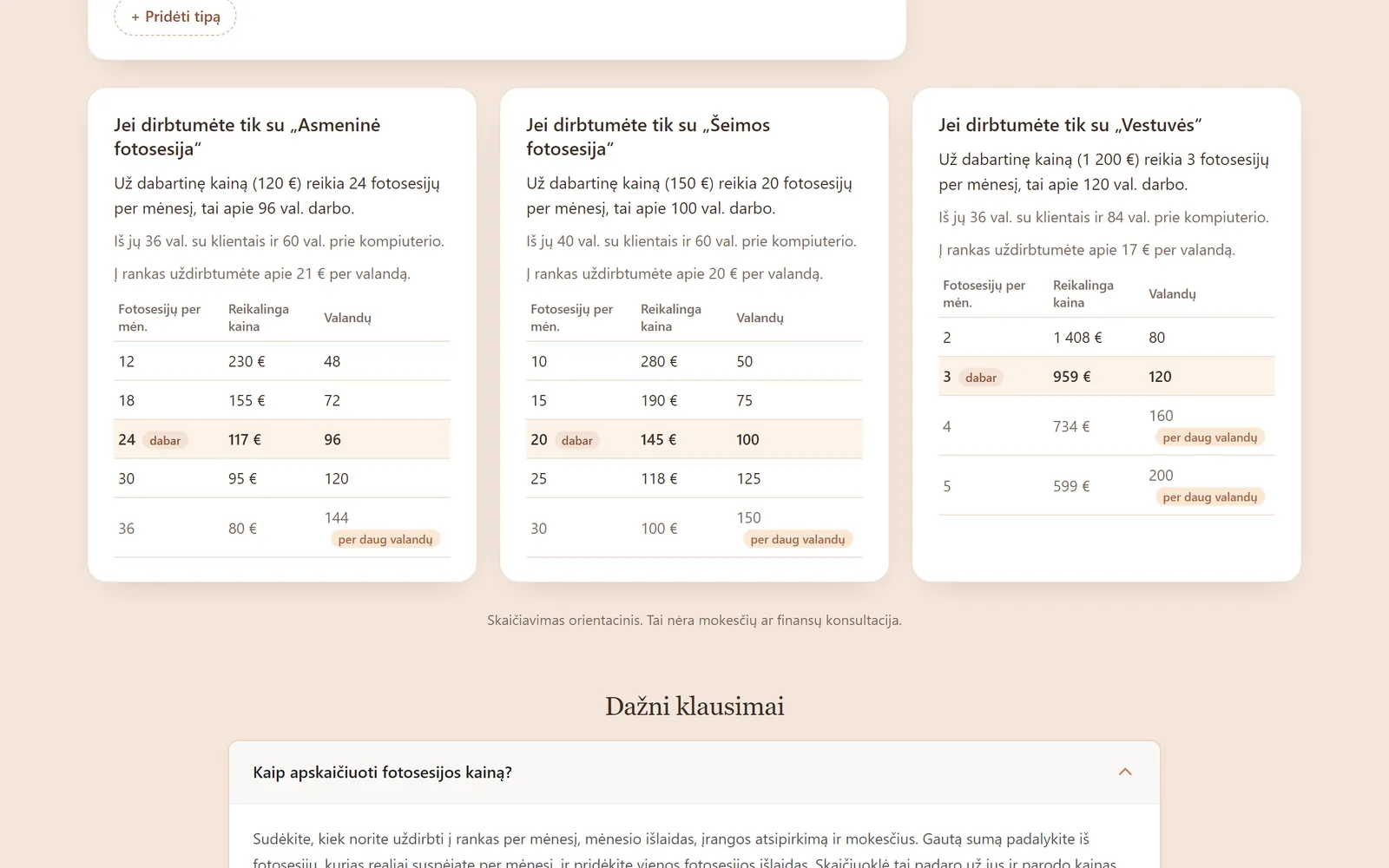
After five years that is around 12 TB, and all of it needs to exist in at least two places. You can run your own numbers with the photo storage calculator.
The 3-2-1 backup rule for photographers
It is an old rule from IT, and it fits photography well:
- every file that matters has 3 copies, counting the original;
- the copies sit on 2 different types of media, for example your computer's drive and an external drive;
- 1 copy is off-site, not in the same home or studio.
The last point is the one people skip, and it is the one that protects you from burglary, fire or a flooded studio. If someone steals the backpack with both drives in it, you lose both copies at once.
In practice: a working copy on your computer's SSD while you edit, a second copy on an external drive or NAS at home, and a third in the cloud or on a drive kept at your parents' home or your office.
External drives: cheap, not forever
An external hard drive is the cheapest way to hold many terabytes. But drives fail, portable ones especially. One fall off a desk can be enough. A few habits that help:
- buy your two drives at different times, or from different brands, so they do not age together;
- plug in your archive drives at least once a year and check that files still open;
- replace old drives on a schedule instead of waiting for them to die; many photographers do it every four to five years;
- never format a memory card until the photos exist in at least two places.
And a drive that always sits next to your computer is not an off-site copy.
Cloud storage: the copy that lives somewhere else
The cloud is the easiest way to cover the off-site part of the rule. No driving drives to relatives, and you can reach the files from anywhere. The downsides are just as clear: a monthly fee and upload time. On a 50 Mbit/s upload connection a 75 GB wedding takes around three and a half hours, so leave it running overnight.
One mistake I see often: a syncing cloud drive is not an archive. Delete a folder on your laptop and the sync deletes it in the cloud too. An archive needs a place where files are uploaded and stay put, and where deleting them by accident is not easy.
What to upload first
With a large archive you will not upload everything at once, and you do not need to. Start with what you could never recreate: final JPEGs and the RAW files of selected images. Rejected frames can wait. That way the first terabyte protects most of the value, and the rest goes up gradually, a few folders a week.
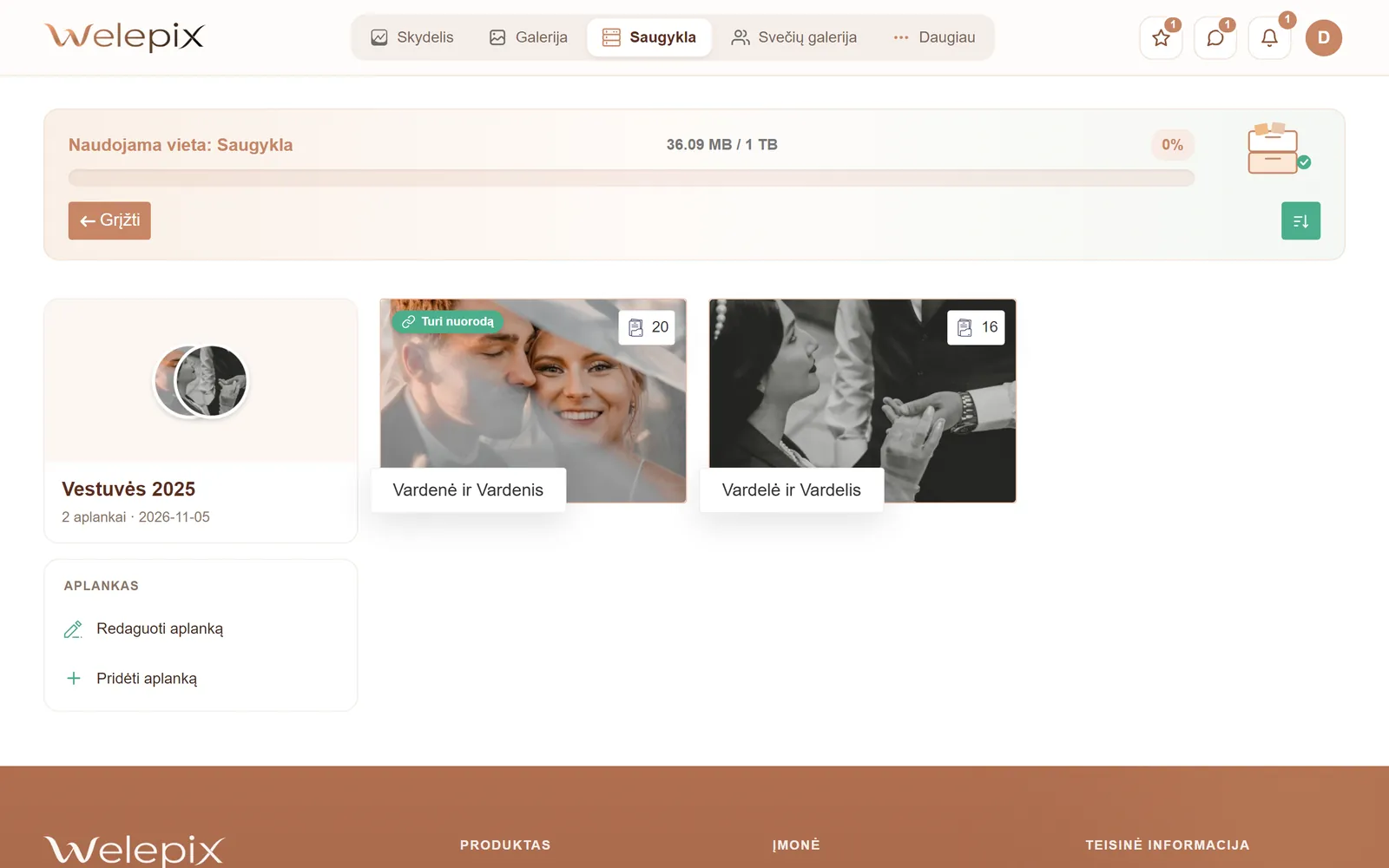
That is what Welepix Storage is for. It is separate from client galleries, accepts RAW (CR2, CR3, NEF, ARW, RAF, DNG and more) and creates previews automatically. Every uploaded file is automatically protected from deletion for 90 days. 500 GB is €10 a month and 1 TB is €20 a month. More on the long-term storage page.

How long to keep RAW files and finals
There is no single rule. This is what I do:
- Final JPEGs I keep indefinitely. They are small, and clients ask for them again ten years later after losing a phone.
- RAW files of selected photos I keep for several years, in case of a large print or a different edit.
- Rejected frames from family sessions go after a year. Wedding rejects I keep longer, because sooner or later someone asks for that one photo with grandma that nobody picked.
Whatever you choose, put it in your contract. A single line such as "The photographer keeps the final images for five years after delivery" heads off a lot of awkward emails. If you are unsure about legal retention periods where you work, check with a lawyer.
Mistakes I see most often
- Photos living only on memory cards. A card is temporary media, not an archive: easy to lose and easy to format by accident.
- Treating RAID as a backup. A mirrored RAID survives one drive failing, but a deleted file disappears from both drives instantly. It is convenience, not a copy.
- Counting on the client to keep the photos. They often do not. Three years later they will come to you, and it is good to have something to give them.
- Backing up but never checking. A backup you have never opened might be empty or incomplete.
Keep it findable
An archive without structure is just a lot of used disk space. Three things help me:
- One naming pattern for folders, for example 2026-08-14_Emma-James_wedding. With the date first, folders sort themselves.
- The same structure inside each one: RAW, final JPEGs and web-size versions.
- A backup of your Lightroom catalogue stored with the photos. Without the catalogue you lose every edit.
Delivery galleries and archives are different things
Plenty of photographers keep finished work in the same place they share galleries with clients. Then the storage they use keeps growing, and they pay for photos clients stopped looking at long ago. It is cleaner to split the two: active work stays in the gallery while the client selects and downloads, then moves to the archive. In Welepix a gallery folder moves to Storage in one action, keeping the original file names and folder structure. See the archiving page for details.

Where to store photos: a simple setup to start with
If your photos live on a single drive today, do this:
- Buy a second external drive and copy the whole archive onto it.
- Pick a cloud service and start with the last two years of work. Upload older years gradually.
- Set aside one day a year for an archive check: open a few random files from every drive.
Once those three steps are routine, add a fourth: after each delivery, move the session to the archive straight away and check it exists in all three places. Then nothing piles up for the end of the year.
It takes a weekend and a few euros a month. Losing a wedding costs far more.