After the wedding the couple gets the photographer's gallery, but plenty of good moments stay on guests' phones: the dance floor after midnight, the sister's speech, kids under the tables. Wedding guest photos rarely reach the couple, because everyone promises to send them "later". The simplest way to collect them is a QR code for wedding photos: a guest scans it and uploads straight away, while still sitting at the table. Here is how to set it up so you actually end up with a lot of photos.
Why guest photos go missing
Guests usually want to share. The problem is that by the next day nobody remembers where to send anything. You can manage without a dedicated tool, but each workaround has its catch:
- A WhatsApp or Messenger group needs everyone's phone number, and photos are usually compressed. Original-quality files are rarely there, and digging them out of 400 messages is hard work.
- A shared Google Photos album works, but guests typically need a Google account to add photos, and older relatives get lost along the way.
- Disposable cameras on the tables are charming, but film and developing cost money and every other frame comes out too dark.
A QR code solves the main problem: photos get uploaded while the guest still has the phone in hand.
How a wedding photo QR code works
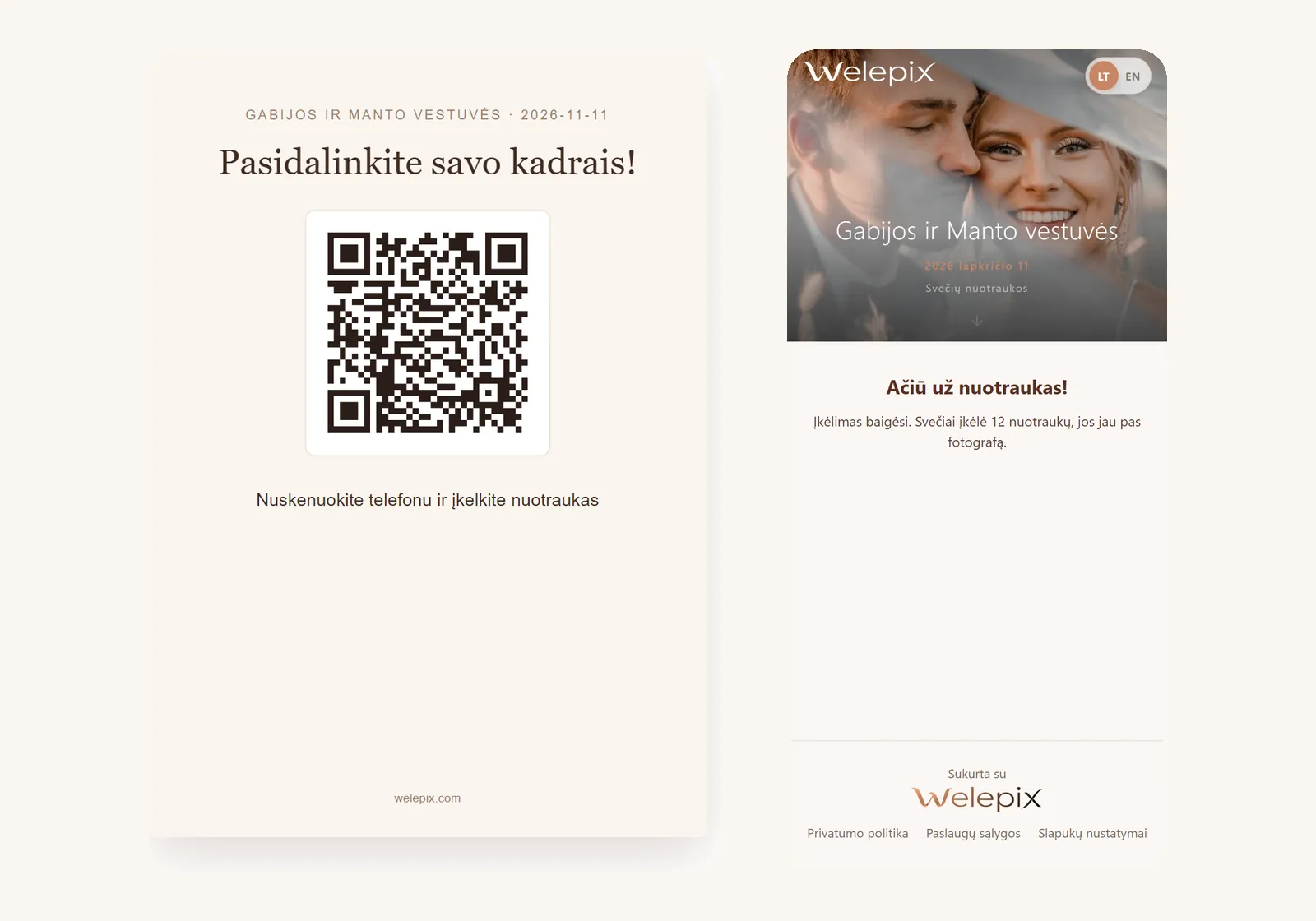
The guest points the phone camera at the code on a card. A page opens in the browser, they choose photos from their camera roll and upload them. No app, no account, no phone numbers. Everything lands in one gallery that the couple downloads as a single archive after the wedding.
Make sure photos arrive at original quality rather than compressed. iPhones often save photos as HEIC, so check that whatever tool you use accepts it.

Where to put the QR cards
Placement decides whether you get a few dozen photos or a few hundred.
- Put an A6 card in a small frame next to the number on every table. This matters most, because it is where guests spend the evening.
- At the entrance or the guest book, a larger A4 sign catches everyone on arrival.
- By the photo booth or backdrop, people are already taking pictures.
- Add the code to the seating chart or even the invitation, so guests know about it before the day.
The biggest difference comes from the MC. One sentence between courses, something like "There's a QR code on your table, please add your photos from today to the couple's album", and uploads multiply. Have them repeat it once near the end of the night.
What to write on the card
Keep it short and skip the technical words. For example:
Got some photos of today? Scan the code and add them to our album. We can't wait to see them! Emma and James
If you set an upload password, print it on the same card, or guests will stop at the first screen.
How many photos to expect
Not every guest will upload, and that is fine. Usually a few dozen guests upload, often a dozen or more photos each, so you end up with several hundred photos in total that you would otherwise never see. Younger guests and friends upload the most and older relatives the least. For them, a code that needs no account helps most. When the MC mentions it twice, you tend to get noticeably more.
Settings worth thinking about
- Leave uploads open for a week after the wedding. Many guests go through their phones the next morning.
- A password helps if cards sit in a public place, such as a restaurant where other diners can see them.
- A limit of 30 to 50 photos per phone is plenty and stops one keen cousin from uploading 600 near-identical dance shots.
- Ask for a name and you will know who took what, which makes thank-you notes easy.
After the wedding
When the upload window closes, download everything as one archive and keep it in at least two places. Then go through it. Some photos will be blurry and plenty will repeat, but you will find moments the photographer missed from the other side of the room.
A habit I like: pick the five to ten best guest photos and send them back to the guests with a thank-you. People see their photos were wanted, and next time they upload even more readily.
Before posting anything publicly, think about your guests' privacy, especially where children are in the photos. An album for the family is one thing; a public social media post is quite another.
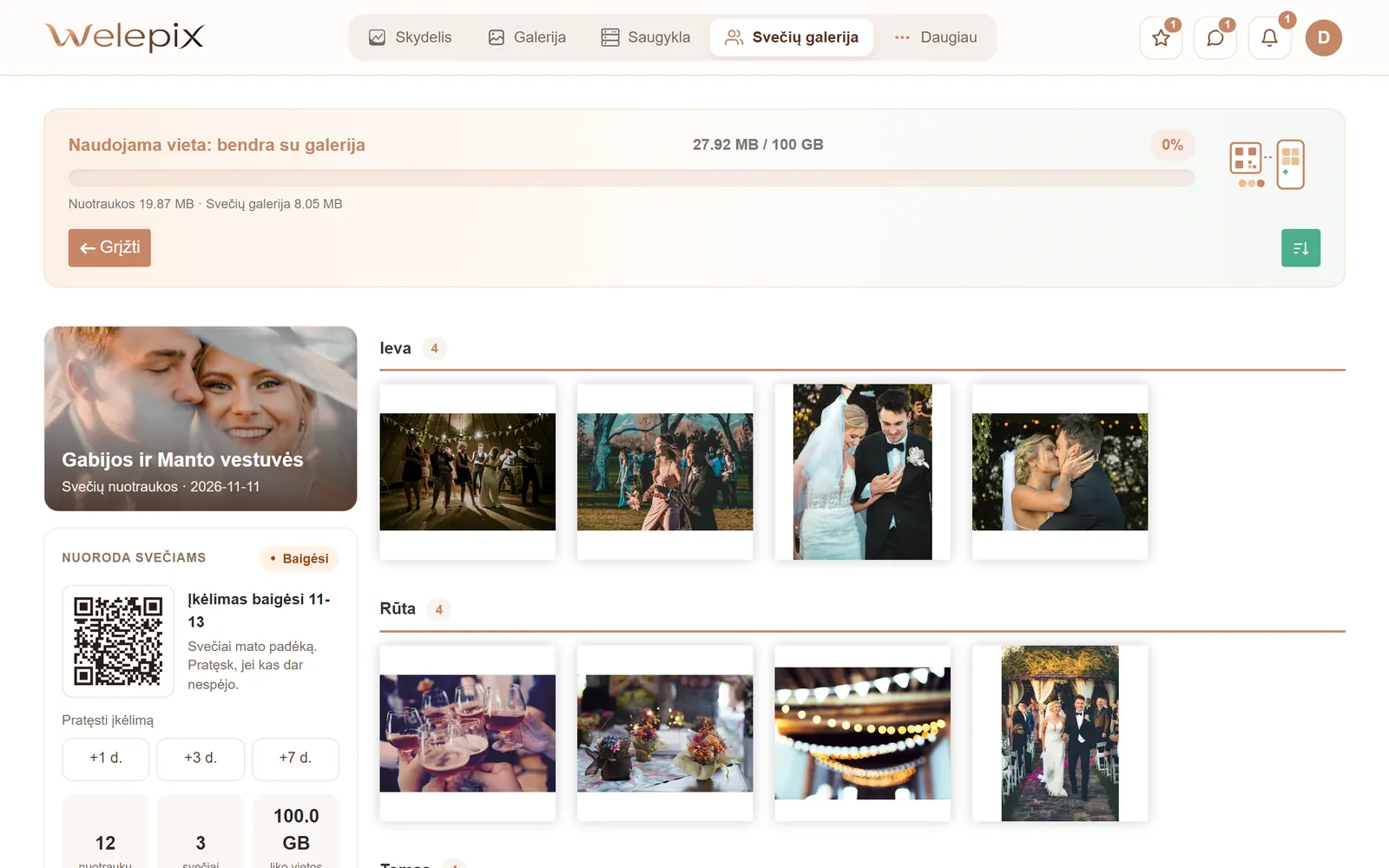
Guests and the photographer, side by side
Guest photos do not replace the photographer; they fill the gaps. A few agreements keep everyone out of each other's way.
- Many couples ask guests to keep phones down during the ceremony, so the photographer captures faces rather than a row of raised screens. In that case, introduce the QR code after the ceremony.
- Guests will shoot the first dance and the cake anyway. The MC can ask them to stand behind the photographer, not in front.
- The late evening is where guest photos are worth most: dancing, games, real laughter at the tables. The photographer often leaves before the guests do.
Before the wedding
- Two or three weeks out, create the gallery and test it on your own phone.
- Print a card for every table, plus a few spares.
- Give the MC the exact sentence to say and agree when.
- Ask a friend or bridesmaid to remind guests in case the MC forgets.
- Put the date uploads close in your calendar so you remember to download everything.
If your cards are printed with the rest of the wedding stationery, generate the code early and hand it to your designer along with the table numbers. The cards will then look like part of the wedding rather than a separate printout.
All of this works just as well for christenings, birthdays and company events. More guests means more angles on the day.
What it costs
The Welepix guest gallery is a one-time package from €1.49 (2 GB for seven days). You pick 2 to 100 GB of space and 7 to 56 days of gallery time, with no monthly fee. It comes with a print-ready QR card (A6 or A4), an optional password, upload time settings and a per-phone limit. HEIC photos are accepted. You can buy it on the event gallery page.
If you are a wedding photographer
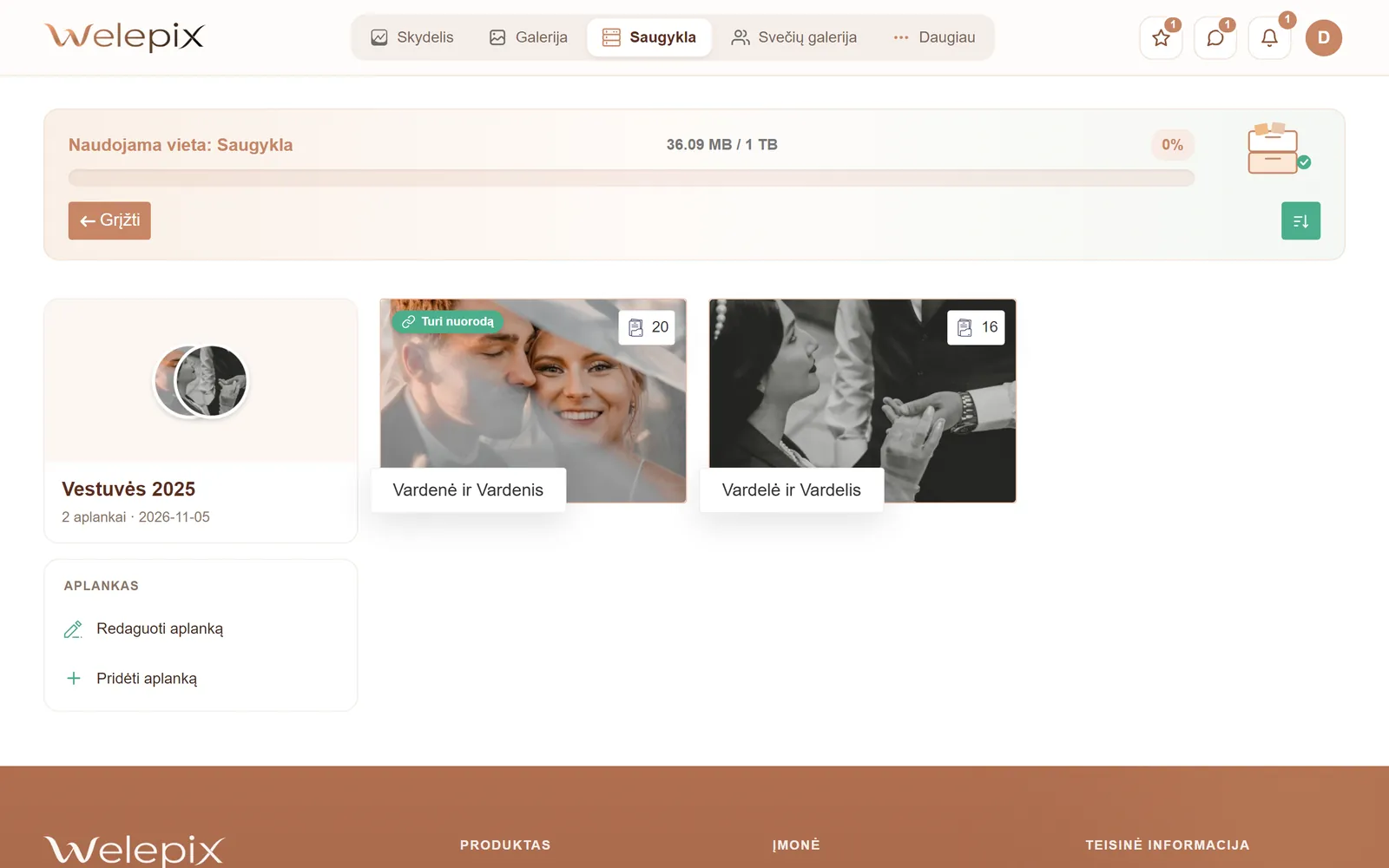
A guest gallery is an easy add-on to your wedding package, and couples like it. It is included in the Welepix Plus and Pro gallery plans, and guest photos land in your account next to your own work, so you hand the couple everything in one place. More on the guest gallery feature page.
To decide when the MC should mention the QR code, plan the day with the wedding day timeline tool. Put the reminder right after the main course, when everyone is seated with a phone within reach.