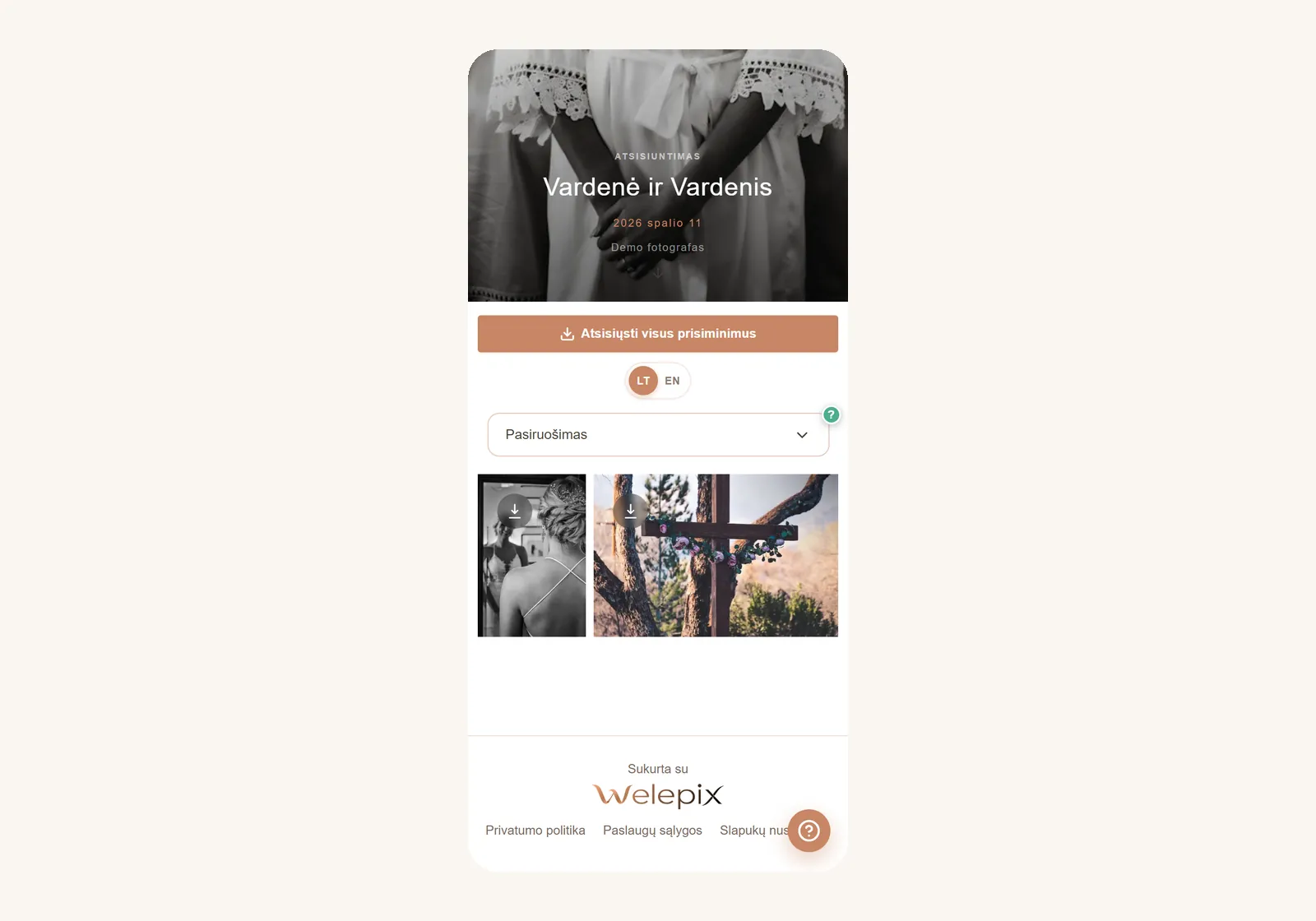
Getting clients to choose their photos often takes longer than the shoot itself. The client gets 400 images, promises to pick over the weekend, and a month later sends a list of numbers in a chat message, half of them duplicates. Most of that mess can be prevented before the client even opens the gallery. This is how I run client photo selection (proofing): how many images to show, how to let clients choose their photos without stress, how to handle package limits and extra photos, and what deadlines to set.
Why selection stalls
The reasons are almost always the same:
- there are too many photos and they look too alike, so the client stops seeing differences;
- nobody said how many photos the package includes;
- there is no deadline, so selection waits for "when I have time";
- the whole family wants a say, and each person sends a separate list;
- the client does not know how to mark and send their picks.
Each of these is easy to fix.
How many photos to show for proofing
The client does not need to see everything you shot. Start with your own cull: closed eyes, missed focus and near-identical bursts go. From a run of similar frames, keep the best one or two.
A ratio that works for me is three to four proofs for every photo the client can pick. For a family session with a 30-photo package I show around 100 to 120. At a wedding I shoot 2,000 to 3,000 frames and show 400 to 600, split into folders by part of the day. Show 1,000 and the client runs out of energy a third of the way through and starts picking at random.
Proofs do not need retouching. One light and colour preset across the set is enough, as long as you tell the client these are previews and the final images will be edited. Otherwise expect questions about why everyone looks a bit pink.
The instructions I send with the link
A short note with the gallery link saves more time than any feature:
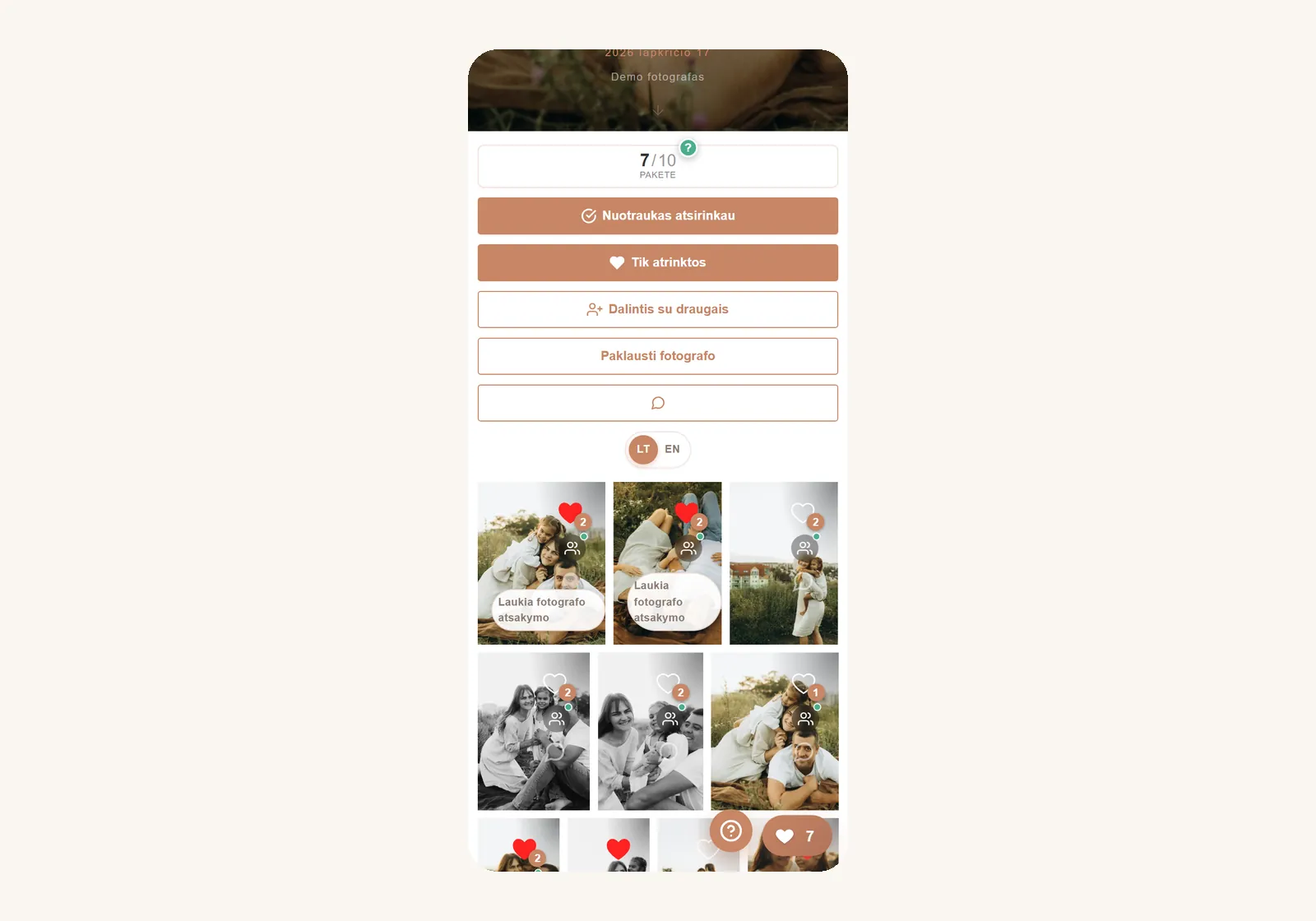
- Go through all the photos once and heart every one you like. Do not hold back.
- Tap the heart counter, choose "Show only selected" and go through them again.
- Where two photos are similar, keep one. Repeat until you reach your package number.
- If you want a photo in black and white or cropped differently, leave a comment on it.
- When you are done, press "I have selected my photos". I get a notification and start editing.
Two passes sound like more work, but clients finish faster because the first pass involves no decisions at all.
Package limits and extra photos
The limit should be clear before the shoot: in your price list, in the contract and in the gallery itself. A live counter such as "Selected: 28 / 30" means the client never has to count and never wonders whether a few more would be fine.
Many clients will want more. That is normal, and it is extra income if the price is set in advance. I price extras close to the per-photo value of the package. If a 30-photo package costs €240, each photo is worth €8, so an extra can sell for €7 to €8. Make extras too cheap and clients buy the smallest package and top up; make them too expensive and clients agonise over every cut.
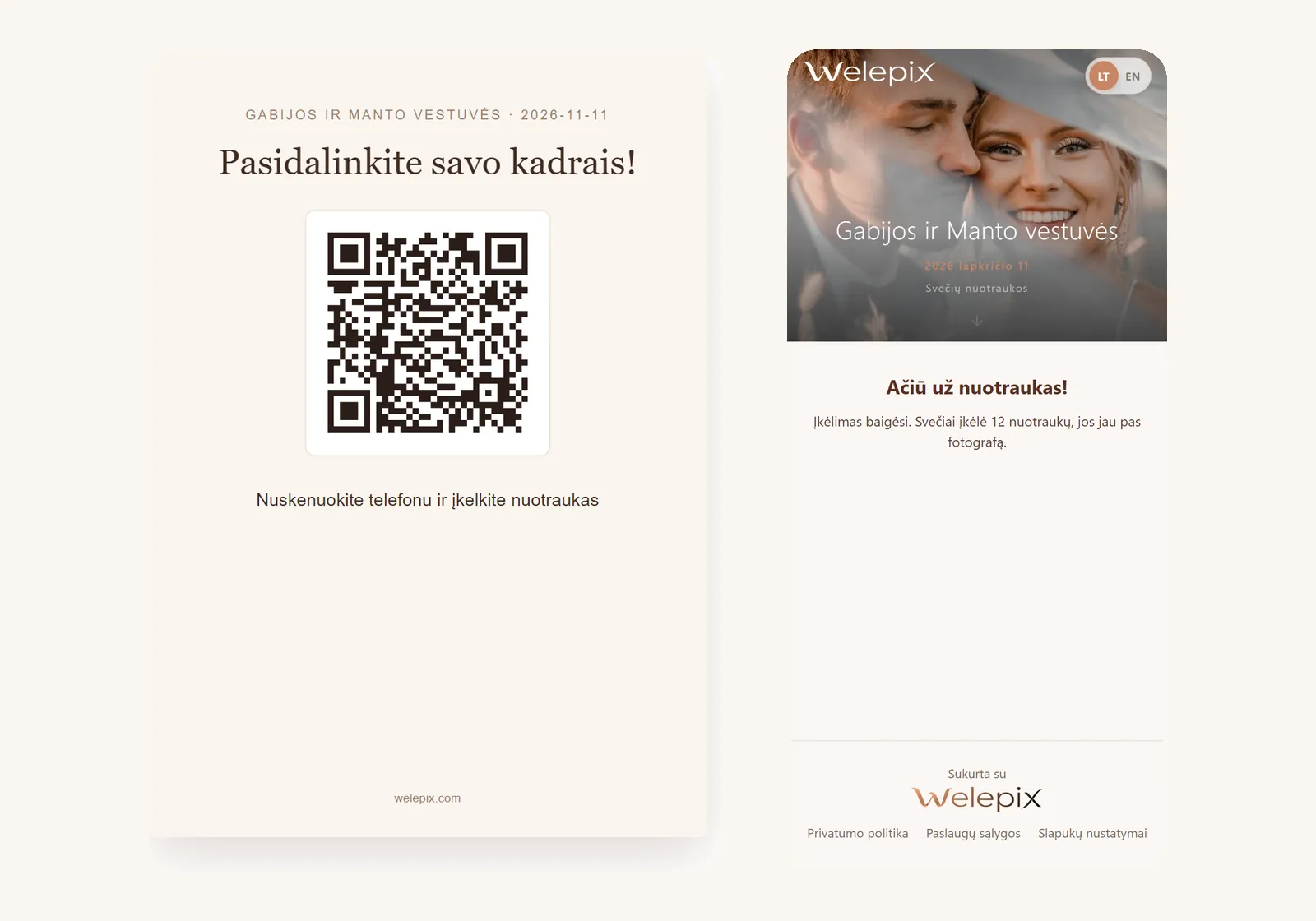
In Welepix you set the limit on the share link and choose whether extra picks are blocked or allowed at your price per photo. The client sees the total straight away and, if you switch it on, your bank details too, so you are not writing a separate invoice email. You can see what this looks like for the client on the client view page.

Deadlines: how long to give for selection
I give seven to ten days. Less feels pushy; more and the gallery gets forgotten. A reminder goes out two or three days before the deadline. My contract has one sentence about it: if the client has not chosen within 30 days, I will make the selection myself. I have only had to do it a few times, but the sentence alone speeds things up.
The selection deadline also moves your editing deadline. Write it plainly: "You will receive your photos within three weeks of your selection." That way a late selection is not your late delivery.
When the whole family wants to vote
At weddings and family sessions, mum, a sister or the bridesmaids will want a say alongside the couple. Instead of collecting five lists, give them a separate voting link. Friends mark their favourites, the client sees a summary of votes and makes the final call. Limit how many photos each friend can vote for, or the vote becomes another 300-photo list.
After selection: finding the files on your computer
Once the client has finished, you need the RAW files for those frames. Hunting for 50 files among 2,000 by hand is half an hour of dull work with room for mistakes. It is much easier to copy the list of selected file names and paste it into a filter in Lightroom or Photo Mechanic.
If you proof with JPEG previews and edit from RAW, make sure the file names match. In Welepix you can also drop your RAW files onto the selection, and it flags the ones that match the client's picks by file name. If you renamed files before uploading, tick the box to match by the original upload name instead. More on the selected photos page.
Common situations and what to do
The client picked too few
If the package is 30 and the client chose 22, ask whether they are finished. Usually they just ran out of steam. Offer to choose the remaining eight yourself; most people are happy with that.
The client is struggling on a phone
A hundred photos from a family session are easy to browse on a phone. Five hundred wedding proofs are better handled on a computer, where more photos fit on screen and similar frames are easier to compare. Say so in your instructions, especially to couples, and suggest the phone for the second pass once the list is shorter.
The client wants all the photos
That is a question for your packages, not your gallery. Some photographers deliver every culled image with a light edit and retouch the selected ones fully; others sell an "all images" package. Both work, as long as the client knows before the shoot rather than finding out during selection.
A quick checklist
- Photos per package and the price of extras are in your price list and contract.
- You show three to four times the package limit, with no near-duplicates.
- The client gets short instructions and a deadline.
- Family votes on a separate link and the client decides.
- The list of selected files goes straight into your editing software.
If your packages are not written down yet, start with the free photography price list template, which has room for both the photo count and the price of extras.