The shoot is done and the edit is finished. Now you have to deliver photos to the client, and that step matters more than it seems. It is the first time the client sees the whole set, and the way it arrives shapes whether they share it, print it and hire you again. Here is how the common delivery options actually behave once a real client gets the link, and the habits that keep delivery from turning into a two-week email thread.
What good photo delivery needs to do
Before comparing tools, write down what you need from them. My list is short:
- the client can download without creating an account or installing anything;
- the link stays live for as long as you decide, not for a few days;
- the photos look good on a phone, because that is where most clients open them first;
- you can see whether the link was opened and the files were downloaded;
- the originals reach the client at full quality.
With that list in hand, each option is easy to judge.
WeTransfer and other file transfer services
WeTransfer is fine for sending a batch of files quickly. The client gets an email, clicks, and downloads a ZIP.
The trouble comes later. The free plan lets you send only about 3 GB a month, and the link expires after a few days. A client who opens the email a week later finds a dead link and writes to you. On a phone, many people have no idea what to do with a ZIP file, so the photos end up stuck in the downloads folder instead of the camera roll. And the first impression is a list of file names, not your work.
I use transfer services for a few files or for swapping work with a second shooter. For the final delivery to a client they are too fragile.
Google Drive and Dropbox
Cloud drives fix the expiry problem: the folder stays until you delete it. But they were built for documents, not for showing photographs.
- Space runs out fast. The free 15 GB on a Google account is shared with Gmail and Google Photos, and the free Dropbox plan has 2 GB. The final full-resolution JPEGs from one wedding take around 5 to 10 GB.
- Browsing is slow. Large JPEGs load one at a time in the browser, and a folder of 600 files looks like a spreadsheet of names.
- Permissions get messy. Get the sharing setting slightly wrong and your client sees a sign-in prompt or an access request. Make it open to anyone with the link and it can be forwarded anywhere.
- Your drive fills with clutter. After a year you have a hundred shared folders and no idea which ones still matter.
Drive works if you shoot a handful of sessions a year. If you shoot every week, it quickly becomes an archive nobody manages.
USB drives and keepsake boxes
Some wedding photographers still hand over a USB stick in a nice box, and couples like it as a gift. Nothing wrong with that. Just keep in mind that many people have no computer at all, or only one with USB-C ports, and they look at photos on their phones. A USB box works well as an extra on top of an online gallery, not as the only way to get the files.
Online client galleries
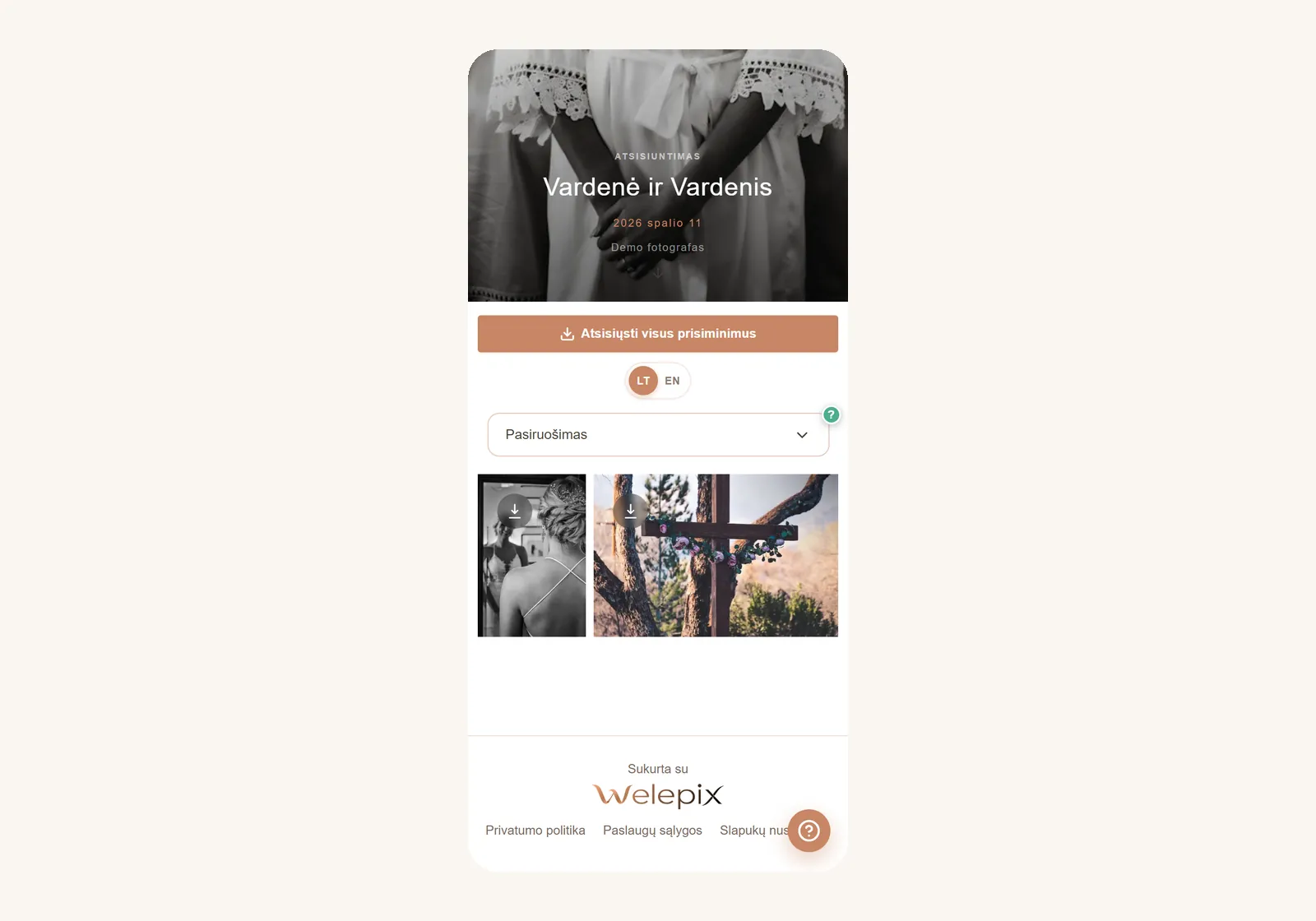
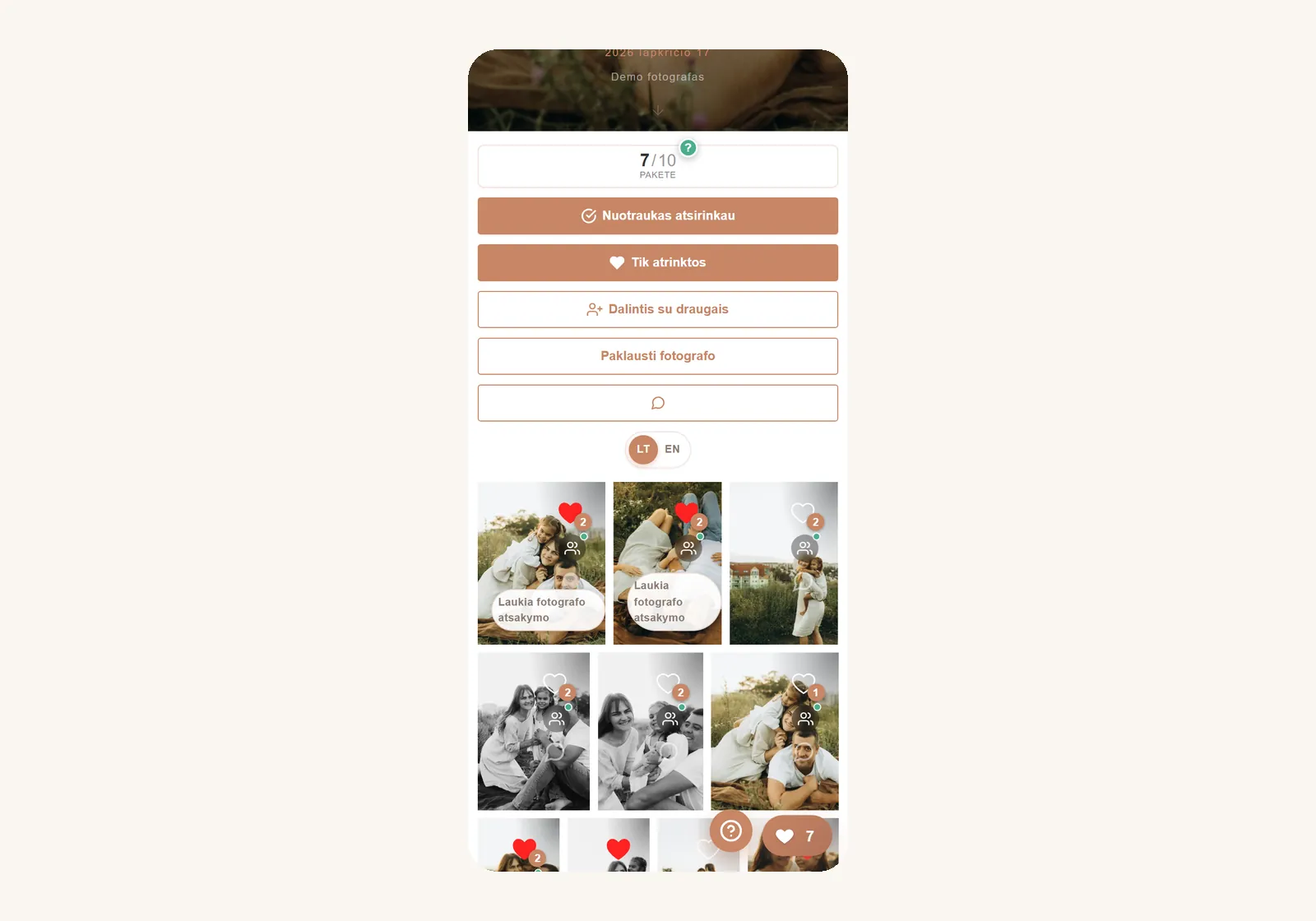
A client gallery is a web page that presents the photos like a portfolio: a cover image, your logo, and folders such as "Ceremony" and "Party". The client browses on their phone and saves the ones they like, downloads the whole set as one archive on a computer, and forwards the link to family. Nothing to install, and the link stays live as long as you want.
What to check before you pick one for delivery:
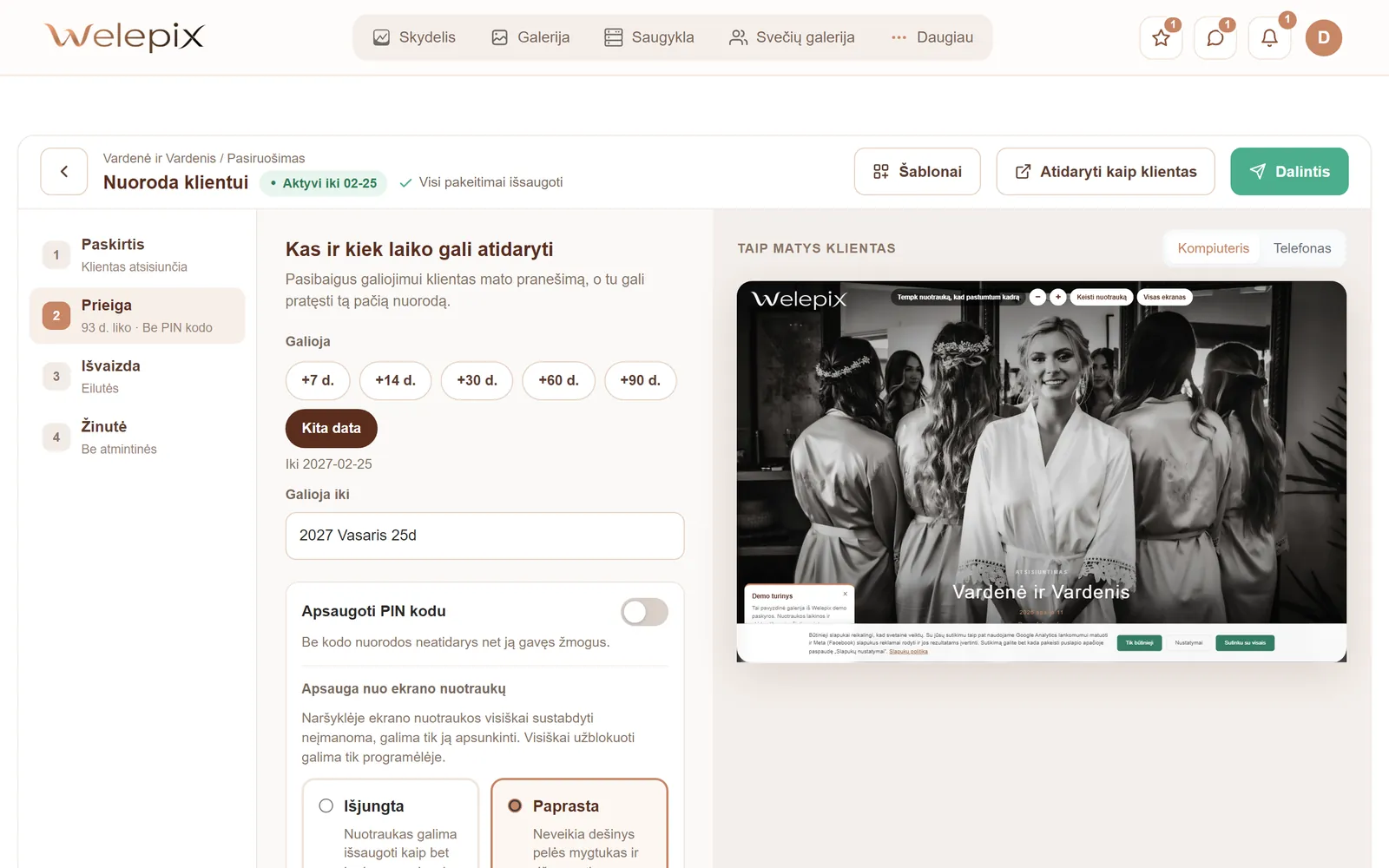
- can you add a PIN and an expiry date, and extend it later;
- can the client download everything as one archive, and are very large galleries split into parts;
- can you see when the link was opened and what was downloaded;
- is the interface in a language your client understands, which matters more than you think once grandparents get involved.
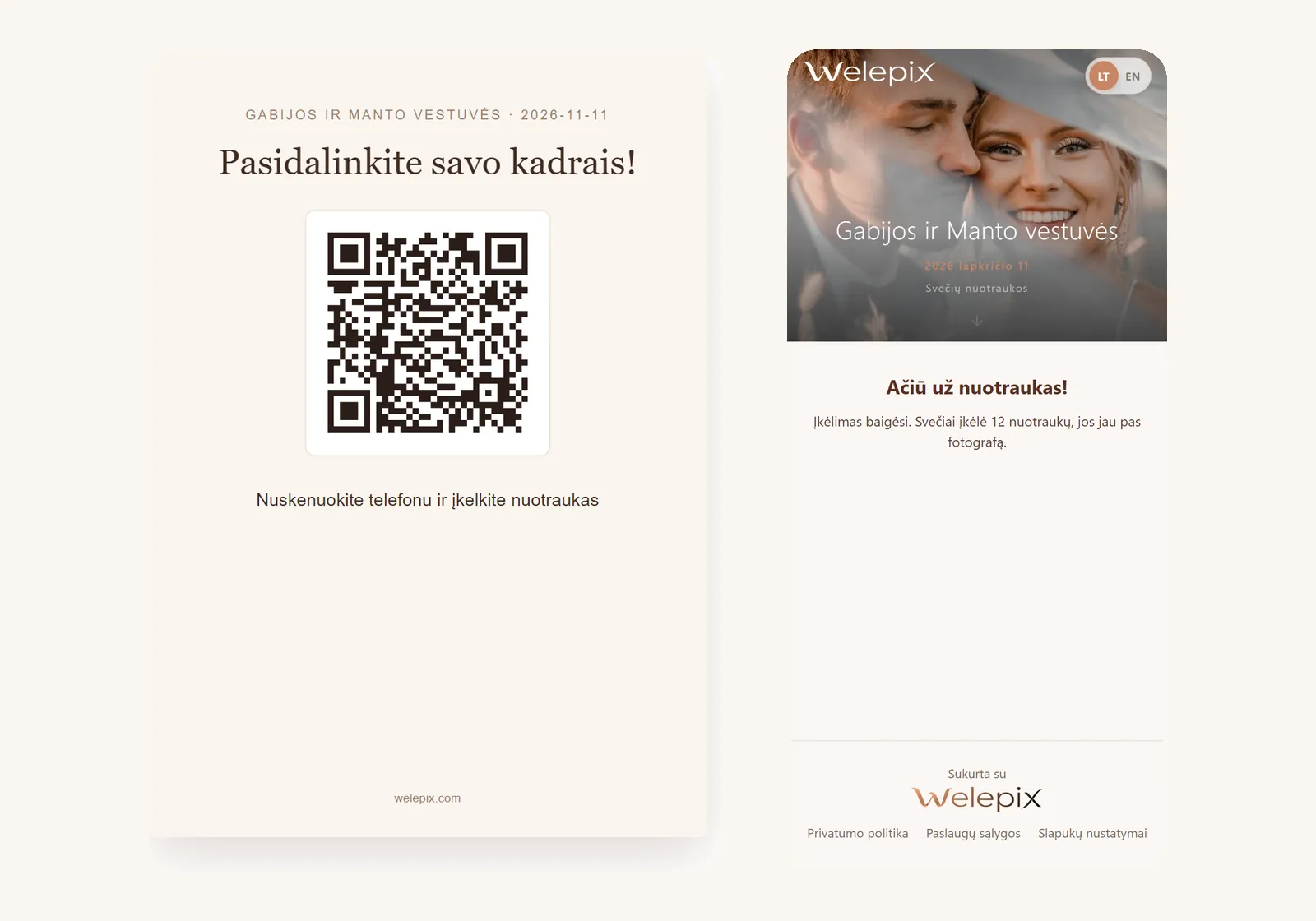
Welepix includes all of this in every plan, and you can email the link to the client in Lithuanian or English, with the PIN. More on that on the client sharing page.

How to deliver photos to clients without follow-up emails
The tool is half of it. The rest is routine. These are the habits that save me the most time.
Give a delivery date up front and keep it
Clients rarely mind waiting three weeks. What bothers them is not knowing when. Put the date in your contract or in the follow-up email after the shoot. If you have a queue of unedited sessions, work the date out with the photo delivery time calculator, which counts the queue, working days and a buffer.
Deliver two sizes
Full-resolution JPEGs for printing and a smaller web version, around 2048 px on the long edge, for social media. Instagram and Facebook will compress a large file anyway, and the small one downloads in a second on a phone.
Name the files like a human would
"IMG_4821.jpg" means nothing to a client. "Emma-James-2026-08-14-001.jpg" will still turn up in a search five years from now.
Decide how long the gallery stays open
One to three months is usually enough. Say clearly in your email that the photos should be downloaded and backed up, because a delivery gallery is not a lifetime archive. When the client asks for the photos again two years later (and they will), you pull them from your own archive and send a fresh link.
Send a preview early
Ten to fifteen images within a day or two of a wedding calm the couple down and buy you time to edit the rest properly. You do not need a separate tool for it, just a separate folder in the same gallery.
What to put in the delivery email
The email with the link is as much part of delivery as the gallery. Leave something out and the client will ask, and you end up answering one question at a time. Mine always includes:
- the link, plus the PIN if you set one;
- the date the gallery closes;
- how to download everything at once on a computer and how to save a photo on a phone;
- a request to keep the photos in at least two places, such as a computer and a cloud account;
- who to contact if something does not open.
"Hi Emma, your wedding photos are ready in the gallery. The PIN is 4821. The gallery stays open until 15 October, so please download the photos and save them on your computer. On a computer, the button at the top downloads everything; on your phone, open a photo and save it. If anything does not work, just reply to this email."
It takes a minute to write and almost nobody comes back with questions.
Which option to choose
For a few files to a colleague, WeTransfer is enough. For three or four sessions a year, Google Drive will do. If you shoot regularly and want delivery to feel like part of your service rather than a file dump, use an online client gallery. Plans start at a few euros a month; you can compare them on the pricing page.
Sources (checked November 2026): WeTransfer plan limits, Dropbox free plan. Terms change, so check them before you choose.