A wedding is a photographer's biggest job: hundreds of frames, a couple who wants to choose, guests with their phones, and photos that need keeping for years. Welepix puts this whole workflow in one place, so you don't have to juggle links, emails and drives.
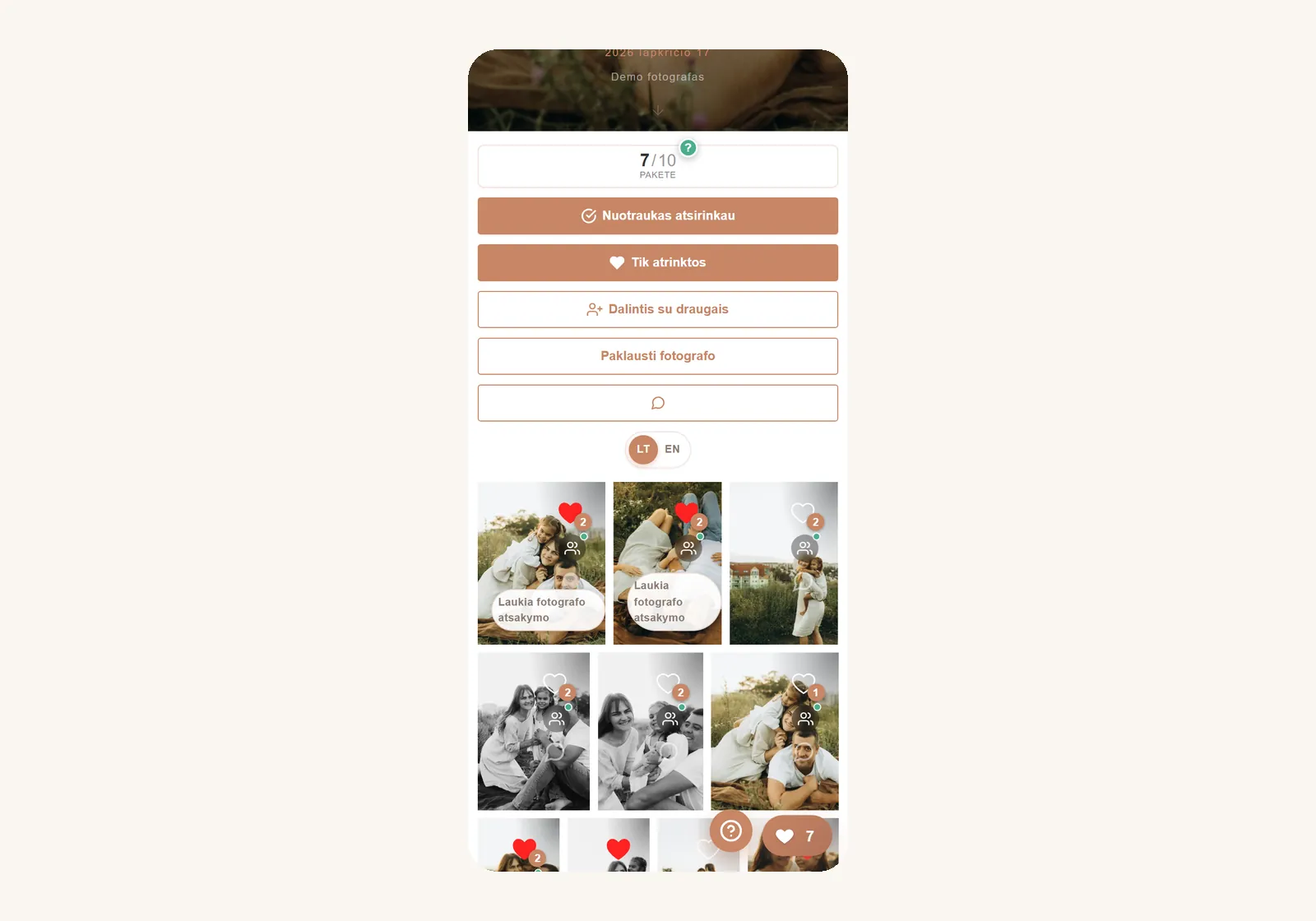
1. Proofing: the couple picks their photos
You upload the selected frames and send the couple a link. On a phone or computer they mark the photos they like, see how many more they can pick, leave a comment on a frame and order extra photos at the price you set. When the selection is done, you copy the file names into Lightroom and edit only what is needed.
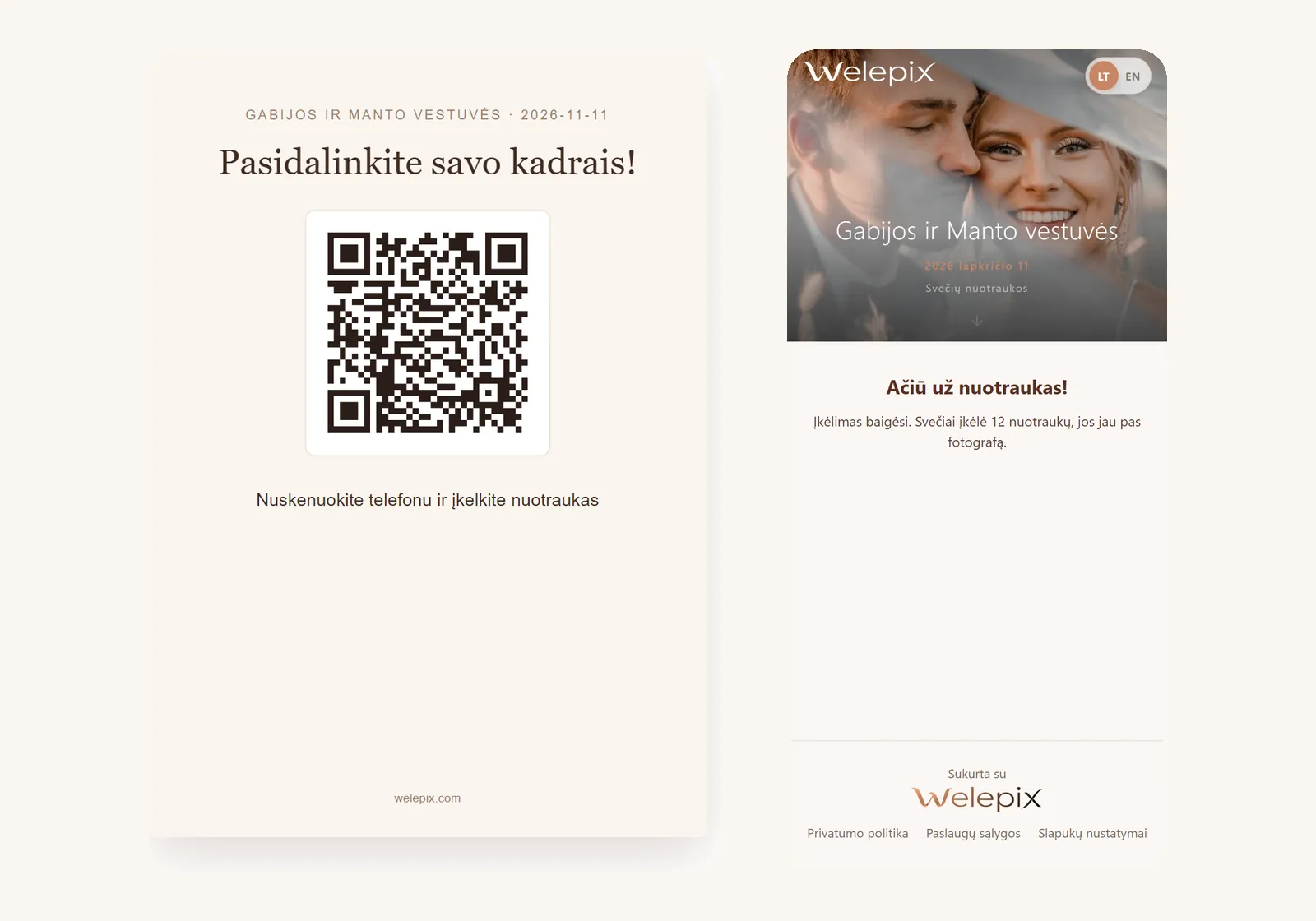
2. Guest photos through a QR code
Put cards with a QR code on the tables; guests scan it with their phones and upload their shots from the party, with no apps and no sign-up. The couple gets both your professional photos and the guests' moments in one place. With a Plus or Pro plan the guest gallery comes free.
3. Delivery: one link for the whole day
Split the finished photos into parts (getting ready, ceremony, couple session, party) and deliver them with one link. Set an expiry date and a PIN, and see in the statistics when the couple opened the gallery and what they downloaded.

4. Protection and archive
While the couple is still choosing, a watermark and screenshot protection guard the photos. When the job is done, move the gallery to long-term storage: the originals stay safe and gallery space frees up for the next wedding.
Handy free tools
- Wedding day timeline with the couple session at golden hour.
- Prep guide for the couple: how to get ready for the photos.
- QR code generator for cards and invitations.


