Proofing often takes longer than the session itself: the client sends file numbers in messages, loses the list and then asks for "a few more". Photo proofing software moves this step to one clear place: the client picks the photos themselves and you get an exact list.
How it works in Welepix
- Upload the photos and create a selection link.
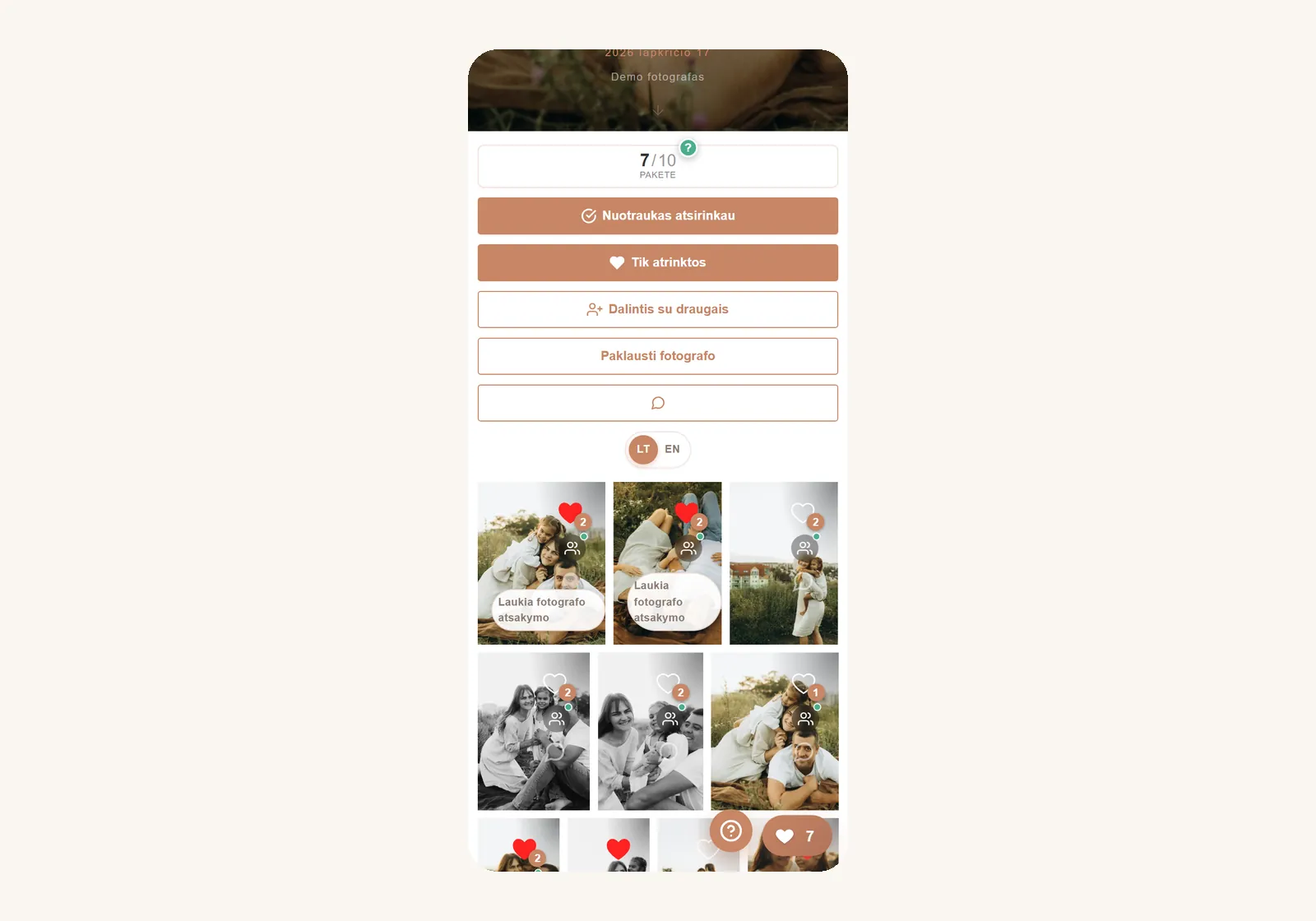
- Set the rules: how many photos the package includes and whether more can be picked at the price per photo you set.
- The client chooses on a phone or computer, sees the counter (e.g. 7 of 10), can comment on a frame and show only the liked ones.
- You get a notification when the selection is sent, and copy the file names into a Lightroom filter.
Why not Google Drive or messages
- One clear list instead of numbers in messages.
- A limit and extra photos with no awkward price talks: the client sees the rules right away.
- Protection: a watermark on previews and screenshot protection while the client chooses.
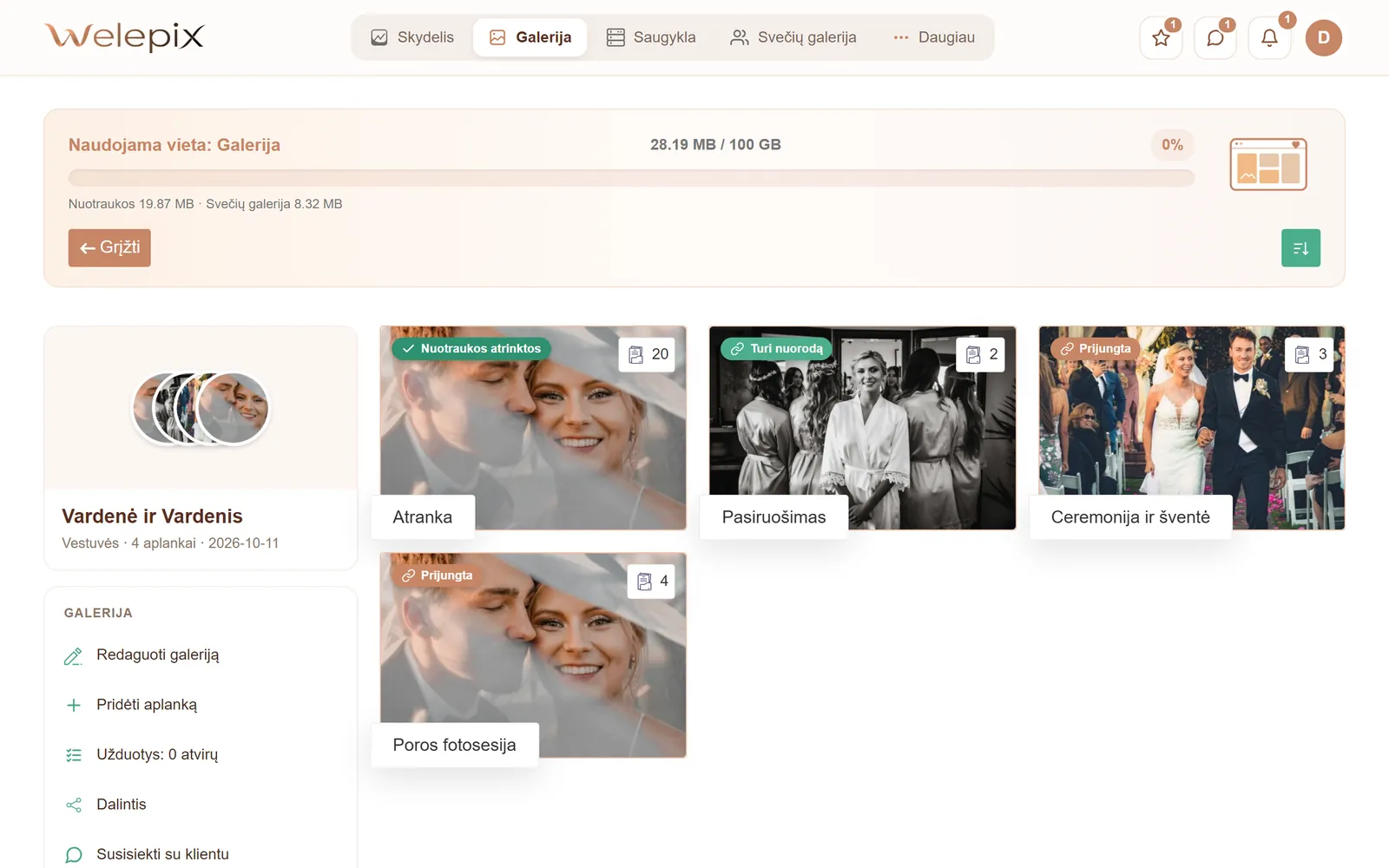
- Several parts in one link, such as the ceremony and the couple session, with one shared selection.
After the selection
Deliver the edited photos in the same gallery and move finished work to long-term storage. The whole session, from proofing to archive, stays in one place.
Common questions
Does the client need to sign up?
No. The client opens the link and starts choosing; you can protect the link with a PIN if you like.
Does proofing work on a phone?
Yes, proofing is made for phones, and Android and Windows users can use the app too.


